
The Ultimate 2025 Guide to Cleaning Your Gaming Console
Keep your prized possession running smoothly and looking pristine with this expert guide from Sheffield WebTech.
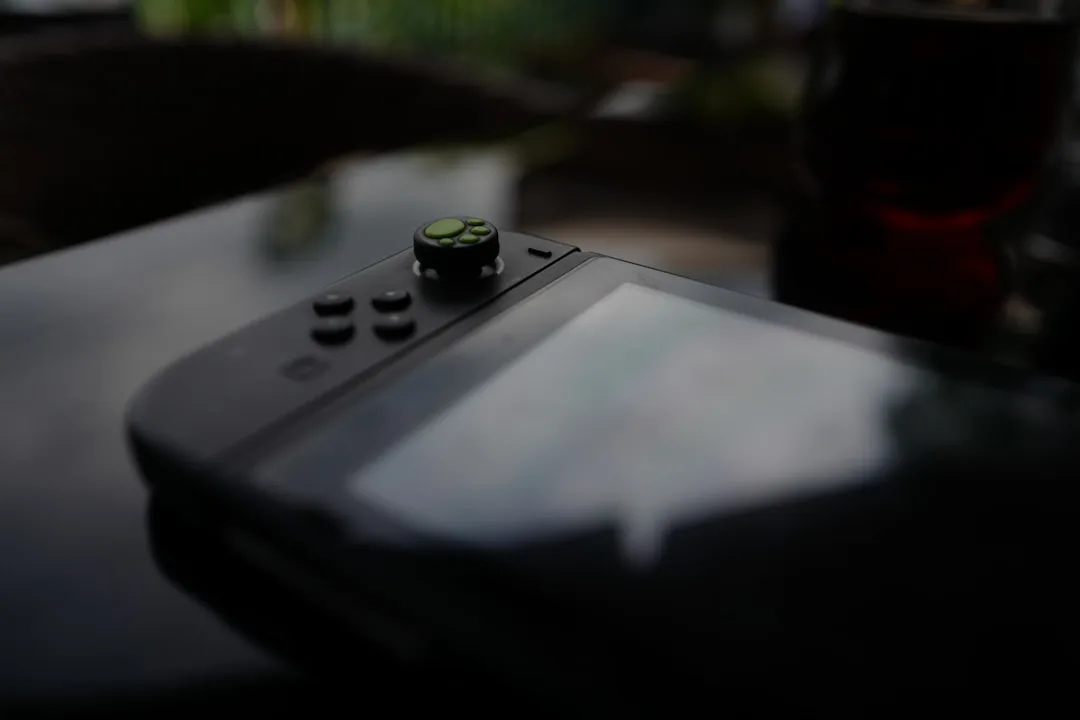
Your gaming console is more than just a piece of hardware; it's your portal to other worlds, a source of entertainment, and a significant investment. Over time, dust, pet hair, and general grime can build up, leading to overheating, loud fan noise, and even hardware failure. Proper maintenance is key to longevity. Here at Sheffield WebTech, a leading name for tech repairs in Sheffield, South Yorkshire, we believe in empowering our community with the knowledge to care for their devices. This comprehensive guide will walk you through cleaning your console safely and effectively.
Why Regular Console Cleaning is Non-Negotiable
Before we dive into the step-by-step process, let's understand why this is so important. Modern consoles like the PlayStation 5, Xbox Series X/S, and Nintendo Switch are engineering marvels, but they generate significant heat. Dust acts as an insulator, trapping that heat and forcing the internal cooling system to work harder. This can lead to:
- Performance Throttling: The console may slow down its processor to prevent damage, causing frame rate drops and lag.
- Loud Fan Noise: A constantly whirring fan is the first sign of a dust-clogged system.
- Unexpected Shutdowns: Critical overheating triggers automatic shutdowns to protect the hardware.
- Reduced Lifespan: Consistent high temperatures can degrade internal components over time.
A clean console is a happy, high-performing console. Just as we champion clean, efficient code in our web development projects at Sheffield WebTech, a clean machine is the foundation for a great user experience.
What You'll Need: Your Cleaning Toolkit
Gathering the right tools beforehand makes the process smooth and safe. Avoid using a standard household vacuum cleaner, as it can create static electricity that can damage sensitive components.
- Compressed Air Canister: The most crucial tool for blowing dust out of vents and tight spaces.
- Microfiber Cloths: Perfect for wiping down exteriors without scratching.
- Isopropyl Alcohol (70% or higher): Excellent for disinfecting controllers and removing stubborn marks. Ensure it's applied to the cloth, not directly onto the console.
- Cotton Swabs: Ideal for detailed cleaning in small crevices and around buttons.
- A Soft-Bristled Brush: A small brush (like a clean makeup or paintbrush) for loosening caked-on dust.
- Phillips Head Screwdriver Set: Only necessary for a deep clean (which we'll cover with caution).
Step-by-Step Cleaning Guide for 2025 Consoles
Safety First! Always completely power down your console and unplug all cables from the power outlet before you begin. Allow it to cool down if it was recently in use.
Step 1: External Cleaning
Start with the outside. Use a dry microfiber cloth to wipe down the entire exterior of the console, removing surface dust. For sticky spots or grime, lightly dampen a corner of the cloth with isopropyl alcohol and wipe the area, then immediately dry it with another clean, dry part of the cloth. Pay special attention to the air vents, using the soft-bristled brush to gently dislodge any dust you can reach.
Step 2: Vent and Port Cleaning
This is where the compressed air comes in. Hold the canister upright and use short, controlled bursts to blow dust out of the ventilation grilles. Do not tilt the can, as propellant can leak out. Angle the straw to direct the airflow away from the console's interior as much as possible. Use cotton swabs to gently clean around the USB ports and other openings.
Step 3: Controller Maintenance
Controllers take the brunt of the wear and tear. Remove the batteries first. Use a cotton swab slightly dampened with isopropyl alcohol to clean around the analog sticks, buttons, and in the crevices. For modern controllers with adaptive triggers and detailed haptics, a gentle touch is vital. A microfiber cloth with a bit of alcohol is perfect for wiping down the entire surface to remove oils and germs.
Step 4: The Deep Clean (Advanced Users Only)
Warning: Opening your console will almost certainly void its warranty. Only attempt this if your console is out of warranty and you are confident in your technical abilities. If you're in Sheffield and unsure, it's always best to bring it to a professional. For those proceeding, research a specific teardown guide for your exact console model online.
- Follow a detailed video guide to carefully open the casing.
- Once inside, use the compressed air to blow dust off the motherboard, fan, and heat sink.
- Use the soft-bristled brush to gently remove any stubborn dust bunnies.
- Reassemble with extreme care, ensuring all screws are back in their correct places.
If this sounds daunting, remember that Sheffield WebTech offers professional tech repairs. Contact us today for a safe and guaranteed console cleaning service.
FAQs: Your Console Cleaning Questions Answered
How often should I clean my gaming console?
A light external dusting should be done every couple of weeks. A more thorough cleaning with compressed air should be performed every 3-6 months, depending on how dusty your environment is. If you have pets, you may need to clean more frequently.
Can I use a vacuum cleaner to clean my console?
We strongly advise against it. Standard vacuums generate a significant amount of static electricity, which can easily zap and destroy the delicate circuitry inside your console. If you need suction, use a specialized, anti-static electronics vacuum.
My console is still overheating after cleaning. What should I do?
If you've cleaned the console thoroughly and it continues to overheat, there may be a deeper issue, such as a failing fan or dried-out thermal paste. This is the time to seek professional help. As your local experts in Sheffield, South Yorkshire, Sheffield WebTech's repair services can diagnose and fix the problem efficiently.
Professional Help from Your Local Sheffield Experts
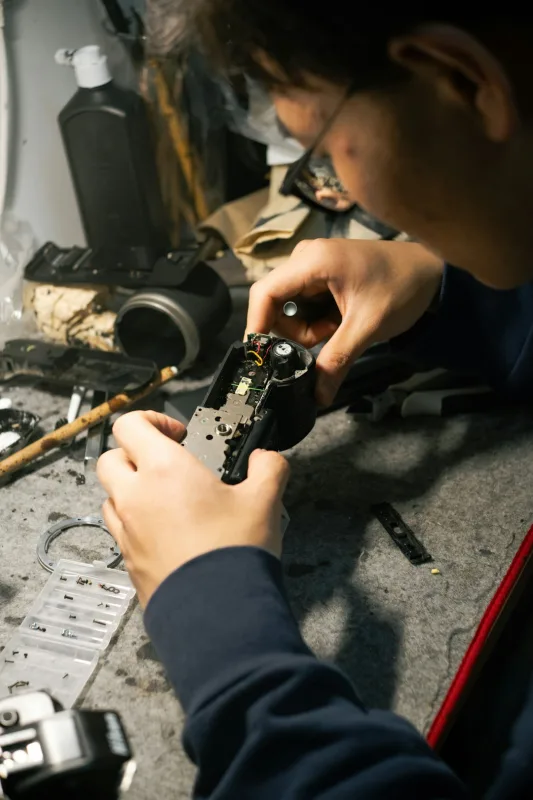
While DIY cleaning is great for regular maintenance, some situations call for an expert touch. Whether it's a complex internal issue, warranty concerns, or simply a lack of time, Sheffield WebTech is here to help. Our team doesn't just excel in website design and SEO; we are also passionate about hardware and providing top-tier tech repairs to the community of Sheffield and across South Yorkshire.
We treat your devices with the same care and precision we apply to our web design packages—meticulous, professional, and focused on delivering the best possible performance.
Conclusion: Game On, Clean On
A clean gaming console is essential for optimal performance and a long life. By following this 2025 guide, you can take proactive steps to protect your investment. Remember, regular maintenance is the key. For those in the Sheffield area who prefer a professional service or encounter more serious issues, Sheffield WebTech is your trusted local partner for all things tech, from console repairs to comprehensive web development solutions. Get in touch with us to keep your technology running at its best.


0 Comments
Leave a Comment