
You've got a business, you've got a domain, and you've got that one mate who says "Just whack WordPress on it, sorted." Then you price it up properly and realise it's not that simple. Not when you want specific layouts, fast pages, proper security, and changes that don't break half the site.
So here's the real question: do you go with WordPress, or pay for a custom-built website? I see both every week in Sheffield - one is quick to launch, the other tends to behave better when your website has to work for a living.
Quick verdict - most people should start with WordPress (unless you need something specific)
If you want a solid site fast, with an easy way to update content, WordPress usually wins. It's the "good enough to get going" option - and it's flexible with the right setup.
If you need a very specific design, custom functionality, or you're aiming for tight performance and long-term control, custom-built is the better long-play. WordPress can do custom stuff too, but at some point you're basically building a custom site… using a load-bearing theme and a prayer.

WordPress websites - strengths and weaknesses
WordPress is basically the DIY car kit of websites. You can make something great with it, but you need to know what you're bolting on.
Not sure which way to go? We'll give you a straight answer based on what your site actually needs - no upselling.
Talk it through with us →Strengths
- Quick to launch - especially with a good theme and sensible plugins.
- Easy content updates - change pages, blog posts, services, FAQs without calling anyone.
- Huge ecosystem - forms, booking, SEO tools, backups, the lot.
- Lots of designers and developers already know the platform - you're not hunting unicorns.
Weaknesses
- Plugin sprawl - too many plugins can slow the site and create "why is this page broken" moments.
- Theme dependency - custom designs often end up fighting the theme's limits.
- Security and maintenance - WordPress core, themes, plugins - it all needs updates.
- Performance can be patchy - it depends what's installed and how it's configured.
Dry technician aside: I've opened "WordPress sites" that were really "theme + 27 plugins + a caching plugin that doesn't match the theme." It's like building a PC with five different fans and no airflow plan. It might run, but you'll be chasing weird issues.
Custom-built websites - strengths and weaknesses
Custom-built websites are designed and developed for your exact use. It's not as quick to get started, but it's built to do a job - not to work around limitations.
Strengths
- Tailored design - you get the layout and behaviour you actually want.
- Performance control - fewer moving parts, cleaner code, faster pages.
- Custom functionality - booking flows, dashboards, bespoke forms, integrations.
- Long-term maintainability - fewer "unknown dependencies" than a plugin-heavy setup.
Weaknesses
- Higher initial cost - you're paying for development time.
- Longer build process - planning and implementation take a bit more effort.
- Updating content may be less "plug-and-play" - you might need an admin system built properly.
- You're tied to the build approach - good documentation helps, because future-you will ask questions.
And yes, custom sites can still be easy to update. You just have to design the admin experience properly, not bolt on something half-remembered. I've seen custom pages where the client can edit text… but only by poking around templates. Fun. For nobody.

Side-by-side on the things that actually matter
Price
- WordPress: usually cheaper up front. You're leveraging existing themes and components.
- Custom-built: typically more expensive at the start, because it's built from the ground up.
Performance (real-world speed)
- WordPress: performance depends on theme quality, plugin count, caching, and image handling.
- Custom-built: you can design for speed from day one, so you're less likely to inherit bloat.
In Sheffield, I see plenty of WordPress sites that are fine. I also see ones where every page takes a breath before it loads - mostly because someone added "one more useful plugin."
Editing and content updates
- WordPress: strong advantage. Pages and blog posts are straightforward to manage.
- Custom-built: can be just as easy if the admin panel is built well. If it isn't, editing becomes a chore.
Security and maintenance
- WordPress: you manage updates and keep plugins tidy. Neglect it and you'll eventually get bitten.
- Custom-built: security depends on how it's developed and hosted, but you're not constantly chasing plugin updates.
SEO and marketing features
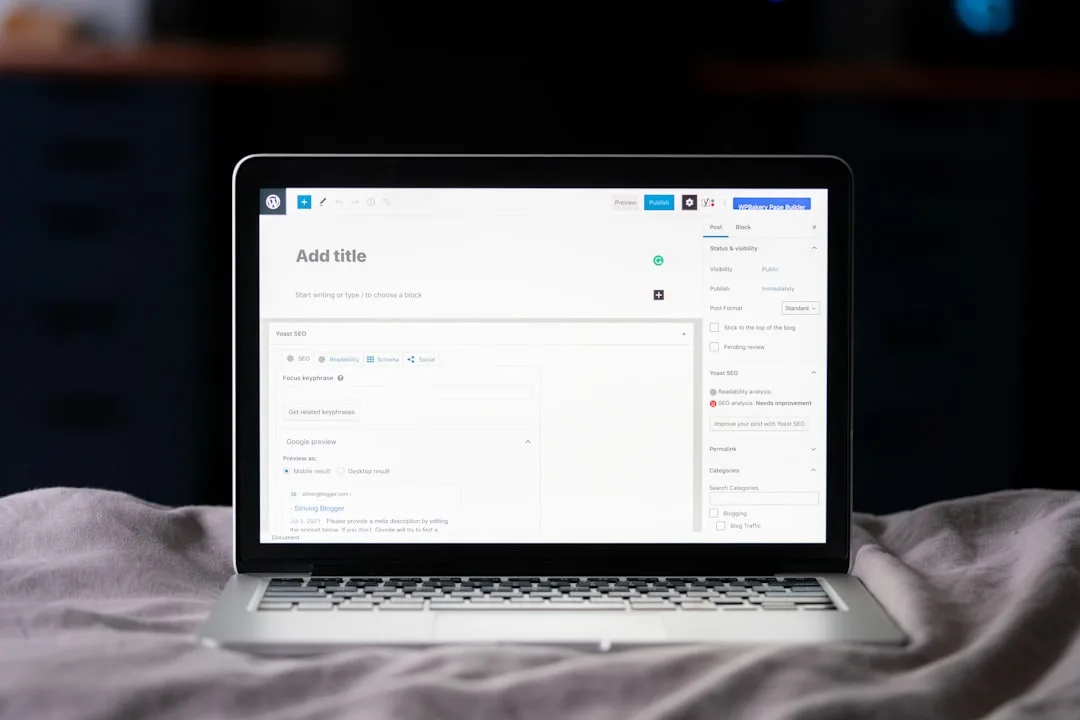
- WordPress: SEO can be excellent with the right tooling and clean structure.
- Custom-built: SEO can also be excellent - you just need the basics nailed (schema, metadata, clean URLs, fast pages).
Who should pick which
Choose WordPress if…
- You want a site live quickly and you'll update content regularly.
- Your needs are mostly standard: services pages, blog, forms, galleries, basic SEO.
- You're happy with a platform approach, as long as it's set up properly.
Choose a custom-built website if…
- You need specific functionality that themes and plugins can't deliver cleanly.
- You care a lot about performance and don't want "mystery bloat" later.
- You want a unique design that isn't constrained by a theme's structure.
- You're planning for growth - and you don't want to retrofit everything later.
At Sheffield WebTech, we'll often recommend WordPress for straightforward business sites, then move to custom when the requirements start getting weird. Weird like: "We need a quote builder that calculates options, stores sessions, sends emails, and shows a live preview." That's where custom starts to make sense.
Final takeaway
WordPress is the quick, flexible option - brilliant when your website needs to be updated often and you don't need anything too unusual. Custom-built is the better choice when you want control, speed, and bespoke features from the start.
Frequently Asked Questions
What's the main difference between WordPress and a custom-built website?
WordPress uses a ready-made platform with themes and plugins, so you can get going quickly. A custom-built site is made from scratch for your exact needs, which usually means more control over design and features.
Which is better for small businesses, WordPress or a custom website?
If you want something up fast and keep costs down, WordPress is often the easiest win. If you need specific features, a unique design, or tighter performance and security control, a custom build can be worth it.
How much more does a custom-built website usually cost than WordPress?
Custom websites typically cost more because you're paying for bespoke design and development, not just theme setup. WordPress can be cheaper upfront, but costs can still rise if you need lots of custom plugins or heavy customisation.
Is WordPress easier to update and maintain than a custom-built site?
Usually, yes - WordPress is built for non-technical updates like pages, posts, and basic content changes. With a custom site, updates can be just as simple, but it depends on how it's built and who maintains it.


0 Comments
Leave a Comment