
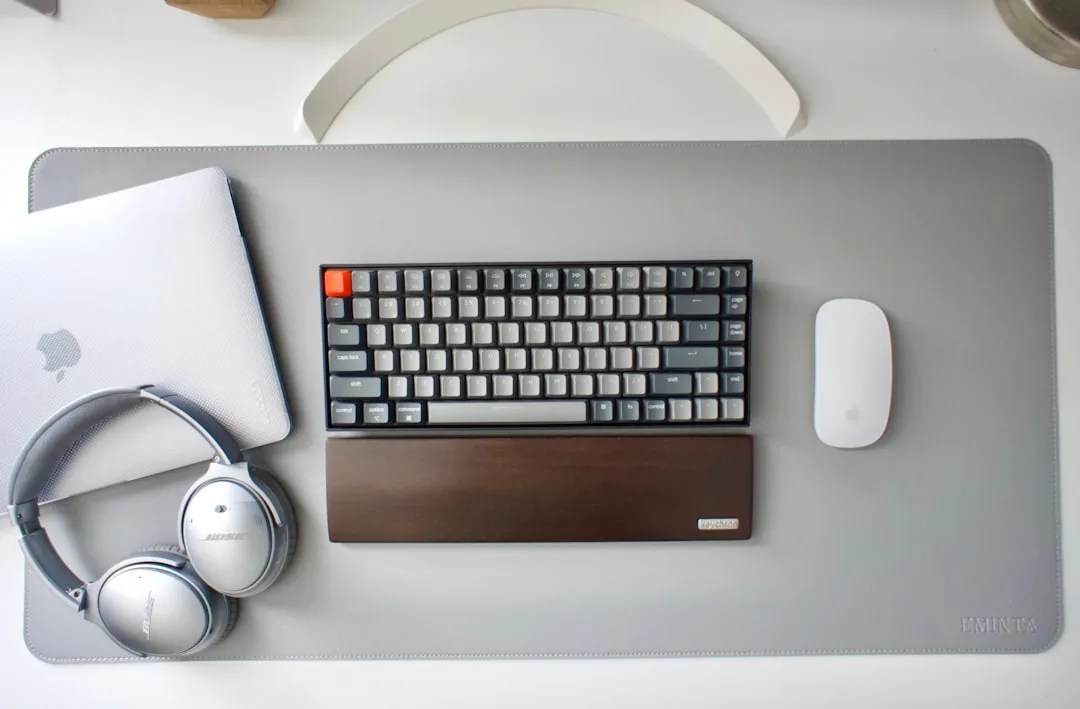
Your PC’s Health Is Your Productivity: How to Keep It Running Like New
In today's digital world, your computer is the engine of your workday. Whether you're a freelancer, a small business owner in Sheffield, or part of a larger South Yorkshire enterprise, a slow, unreliable PC doesn't just cause frustration—it directly impacts your bottom line. At Sheffield WebTech, we understand that your productivity is intrinsically linked to your technology's performance. This guide will walk you through practical, actionable steps to maintain your computer's health, ensuring it remains a powerful asset, not a liability.
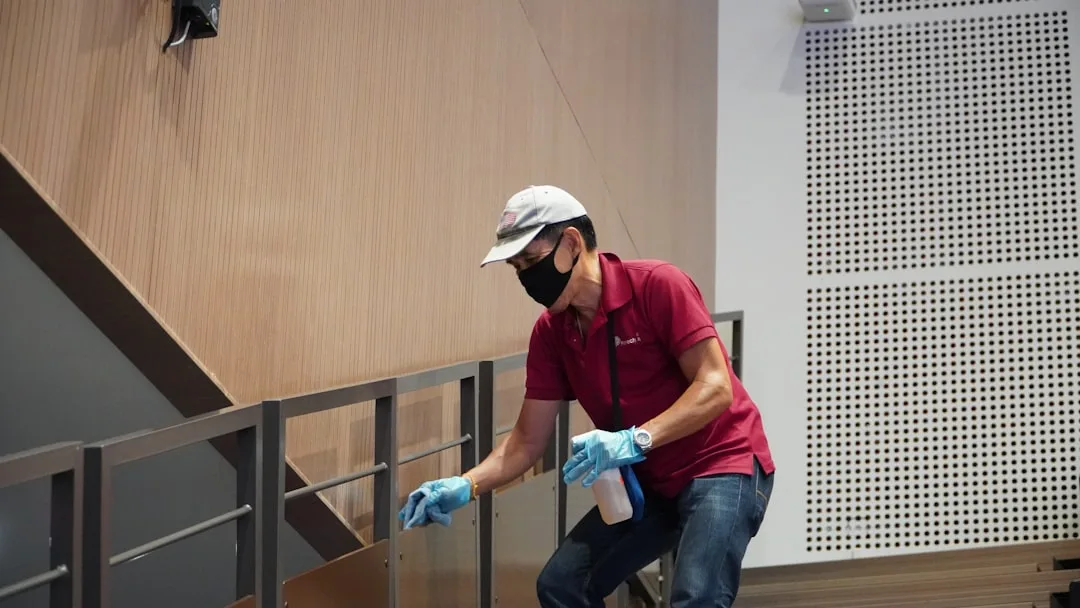
Why Regular PC Maintenance is Non-Negotiable
Think of PC maintenance like servicing your car. You wouldn't wait for the engine to seize before changing the oil. Similarly, proactive computer care prevents catastrophic failures, data loss, and the inevitable productivity slump. Regular maintenance helps with:
- Speed and Performance: Over time, temporary files, outdated software, and background processes bog down your system.
- Security: Keeping your system updated is your first line of defence against viruses, malware, and cyber-attacks.
- Longevity: Proper care extends the life of your hardware, protecting your investment.
- Data Integrity: Preventing hard drive failures and corruption saves you from the nightmare of lost work.
For businesses in Sheffield relying on seamless technology, a well-maintained IT infrastructure is crucial. While these tips are great for individual users, companies often benefit from professional support. If you need hands-on help, our team at Sheffield WebTech offers comprehensive tech repairs and IT support services to keep your entire operation running smoothly.
The Essential PC Maintenance Checklist
Follow this straightforward checklist to keep your machine in peak condition. Set a reminder to run through these steps monthly.
1. Declutter Your Digital Workspace
A cluttered hard drive is a slow hard drive. Start by removing programs you no longer use through your system's "Add or Remove Programs" feature. Next, use the built-in Disk Cleanup tool (Windows) or Optimized Storage (macOS) to delete temporary files, clear caches, and empty the recycle bin. Aim to keep at least 15-20% of your main drive free for optimal performance.
2. Organise and Defragment (HDDs Only)
If you're using an older computer with a Hard Disk Drive (HDD), file fragmentation can slow it down. Run the "Defragment and Optimise Drives" tool on Windows periodically. Important Note: If you have a Solid State Drive (SSD), which is common in newer computers, do NOT defragment it, as this can shorten its lifespan. The tool will usually detect an SSD and optimise it correctly.
3. Keep Your Software Updated
This is critical for both performance and security. Enable automatic updates for your operating system (Windows Update or macOS Software Update). Don't forget your web browsers, antivirus software, and essential applications like Microsoft Office or Adobe Creative Suite. These updates often include vital security patches that protect your data.
4. Manage Startup Programs
Is your computer taking forever to boot? Too many programs launching at startup are likely the culprit. In Windows Task Manager (Ctrl+Shift+Esc) or macOS System Preferences > Users & Groups > Login Items, you can disable non-essential applications from starting automatically. This simple step can dramatically improve your boot time.
5. Run Regular Antivirus and Malware Scans
Even with careful browsing, malicious software can find its way onto your system. Use a reputable antivirus program and schedule weekly full-system scans. Windows Defender has become quite robust for Windows 10 and 11 users, but for added peace of mind, consider a third-party solution. If you suspect an infection that you can't remove, it's time to call the professionals. Sheffield WebTech offers expert virus and malware removal services to thoroughly cleanse your system.
Physical Care: Don't Forget the Hardware
Digital maintenance is only half the battle. Dust, heat, and physical wear can be just as damaging.
- Keep it Cool: Ensure your computer's vents are not blocked. Use compressed air to carefully blow dust out of the fans and heatsinks every few months. Overheating is a primary cause of hardware failure.
- Clean Your Peripherals: Regularly wipe down your keyboard, mouse, and monitor with appropriate cleaning cloths and solutions. A clean workspace is a productive one.
- Handle with Care: Avoid eating or drinking near your computer to prevent spills and crumbs from damaging internal components.

When to Seek Professional Help from Sheffield WebTech
While the above steps are excellent for preventative care, some situations call for an expert. If you experience any of the following, it's time to get in touch:
- Frequent blue screens or unexpected crashes.
- Unusual noises from the hard drive or fans.
- Extremely slow performance that persists after basic maintenance.
- Suspected hardware failure, like a broken screen or faulty power supply.
- Complex software issues or persistent virus infections.
As a trusted local tech company in Sheffield, South Yorkshire, Sheffield WebTech is here to help. From hardware upgrades like adding more RAM or an SSD to complex software troubleshooting, we provide reliable solutions to get you back on track. Contact us today for a diagnostic and keep your productivity from stalling.
Your Digital Front Door: Web Health Matters Too
Just as your PC's health is vital, so is the health of your website. For businesses in Sheffield and across South Yorkshire, your website is your digital storefront. Slow loading times, poor SEO, and security vulnerabilities can harm your online presence just as much as a faulty computer harms your daily work.
At Sheffield WebTech, we specialise in more than just computer repairs. Our expertise in web development and website design ensures your online assets are fast, secure, and effective. A well-optimized website is a cornerstone of modern business productivity, attracting customers and generating leads 24/7.

Frequently Asked Questions (FAQs)
How often should I perform these maintenance tasks?
A quick scan for software updates and a look at startup programs should be weekly. A deeper clean—like disk cleanup and antivirus scans—is best done monthly. Physical cleaning (dusting) should be done every 3-6 months.
My computer is still slow after trying everything. What now?
This often indicates a hardware limitation. The most effective upgrade for an older computer is replacing a traditional hard drive (HDD) with a Solid State Drive (SSD). It's the single biggest performance boost you can give an ageing machine. Sheffield WebTech can assess your system and recommend the best upgrade path.
I run a business with multiple computers. Can you help?
Absolutely. We provide managed IT support for businesses of all sizes in the Sheffield area. From proactive network maintenance to web development and cybersecurity, we offer packages tailored to keep your entire team productive. Get in touch for a consultation.
Conclusion: Invest in Your Productivity
Your computer is one of your most important tools. A small, consistent investment of time in its maintenance pays enormous dividends in saved time, reduced stress, and sustained productivity. By adopting these habits, you're not just fixing a machine; you're optimising your workflow and protecting your valuable data.
For those times when you need a professional touch, remember that Sheffield WebTech is your local partner in Sheffield, South Yorkshire. Whether it's a hardware repair, a software issue, or building a powerful new website to drive your business forward, we have the expertise to help. Explore our web design and development services or see our full range of tech support options to ensure all your technology needs are met.



0 Comments
Leave a Comment