
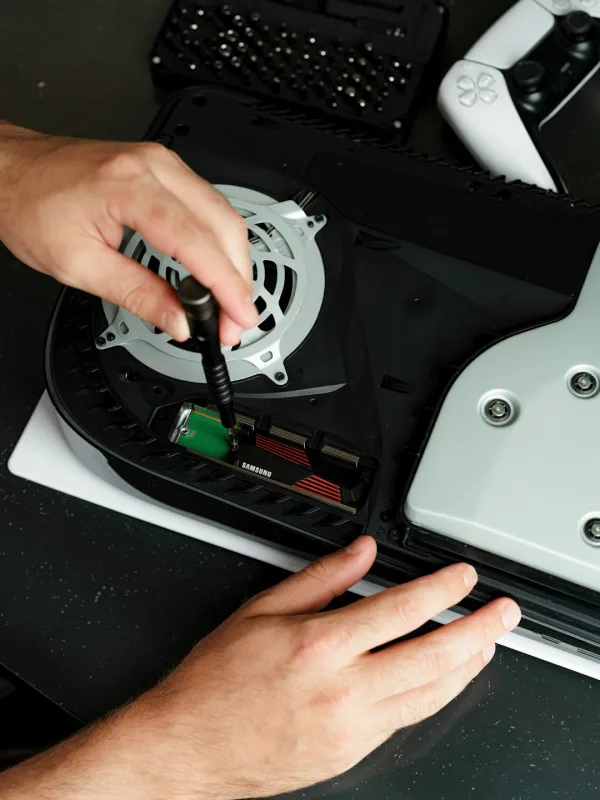
You press the eject button on your PS5 and… nothing. No whirr, no click, just that awkward silence where you're expecting the disc tray to slide out. Then you try again - maybe restart the console - and it still refuses to act like a disc drive at all. (A bit rude, really.)
And if you're getting "Cannot read the disc" or the tray won't open/close properly, it's usually not one single thing. It can be a dead laser, a sticky mechanism, a disc sensor that's having a bad day, or something more annoying like a board-level fault. Either way, let's break down what it usually means, what you can check first, and when it's time to book it in. Sheffield WebTech sees this a lot - and yes, we've opened consoles that were "just dropped once" and somehow ended up with a drive that behaves like it's seen a ghost.
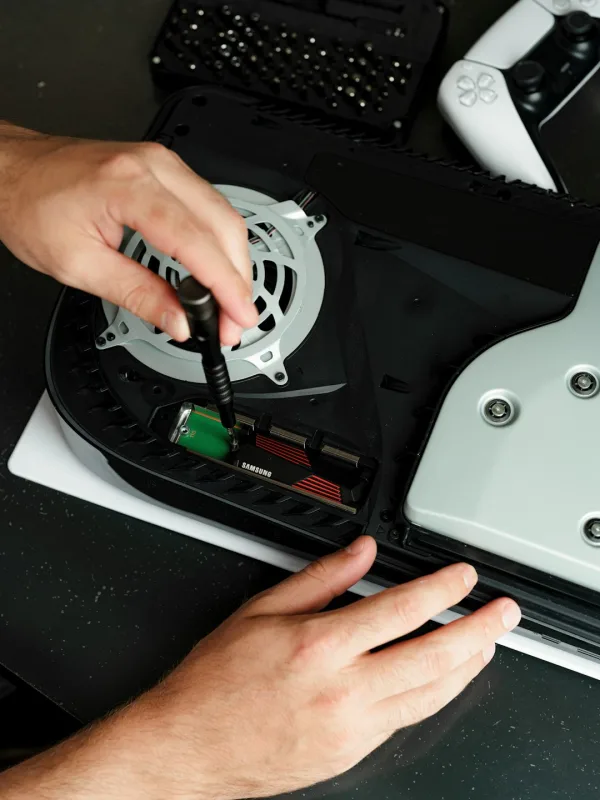
What the fault usually means
When a PS5 disc drive isn't working, the symptoms tend to point you in a direction. Here are the most common scenarios we see:
- ✓ Tray won't open at all - often a mechanical issue (jammed gears/rails) or a power/control problem to the drive.
- ✓ Tray opens but discs aren't read - usually laser/optics, disc sensor issues, or dirty contacts.
- ✓ "Cannot read the disc" on multiple discs - points away from "it's just that one game" and more towards the drive assembly itself.
- ✓ Drive clicks/tries to move then stops - could be a stuck mechanism or failing motor/drive controller.
💡 Tip - don't keep forcing the tray. If it's jammed, levering it by hand can bend the rails. Then you've got a simple jam… plus a very expensive jam.
Simple checks to try first
Before you spend money, do the boring stuff. It's boring for a reason. Also, you'll feel better if you've ruled out the easy wins.
- Step text. Power the PS5 off fully, then unplug it for 60 seconds. (Capacitors need a moment, and it can clear odd drive control glitches.)
- Step text. Try the eject button with the console powered on and then again after boot. Some timing-related faults only show up during startup.
- Step text. Check the disc itself - clean it gently with a soft microfibre and inspect for deep scratches. If only one disc fails, that's not the drive's fault 99% of the time.
- Step text. Look for physical obstruction - dust bunnies, a bent label, or anything that could stop the tray moving. We've seen a bit of fluff act like a brick.
- Step text. Rebuild the database (if the console loads normally). This won't fix a broken laser, but it can help if the system is misbehaving around disc recognition.
- Step text. Update system software - do this if you can access settings. Sometimes recognition issues get tied up with firmware oddities.

If the tray still won't open, or it opens and instantly refuses every disc, you're past the "maybe it's just software" stage. That's when the deeper causes start getting more likely.
Deeper causes if the simple checks don't work
Now for the usual suspects. A PS5 disc drive is a mix of mechanical parts, sensors, and the optical read system. When it goes wrong, it's often one of these:
- ✓ Laser/optics failure - the laser can weaken over time or fail after a hard knock. Symptoms: tray opens, disc spins, but nothing reads.
- ✓ Disc sensor or controller fault - the console thinks there's no disc, so it won't proceed. Symptoms: disc is "there" but the system acts like it isn't.
- ✓ Stuck or worn drive mechanism - gears/rails can bind, especially if the console has been moved while the tray was partially engaged.
- ✓ Flex cable/connectors - if a ribbon cable has a loose connection, the drive may power up incorrectly or not at all. Happens more than people think, especially after attempted repairs.
- ✓ Board-level issues on the drive - the drive's control circuitry can fail. Symptoms can be intermittent - works for a bit, then drops off.
Also worth mentioning: if you've ever had "someone opened it before" energy, be suspicious. Not because all repairs are bad - but because a slightly misrouted cable can cause disc drive weirdness that feels haunted. We've seen it. More than once. (Consoles have a sense of humour.)
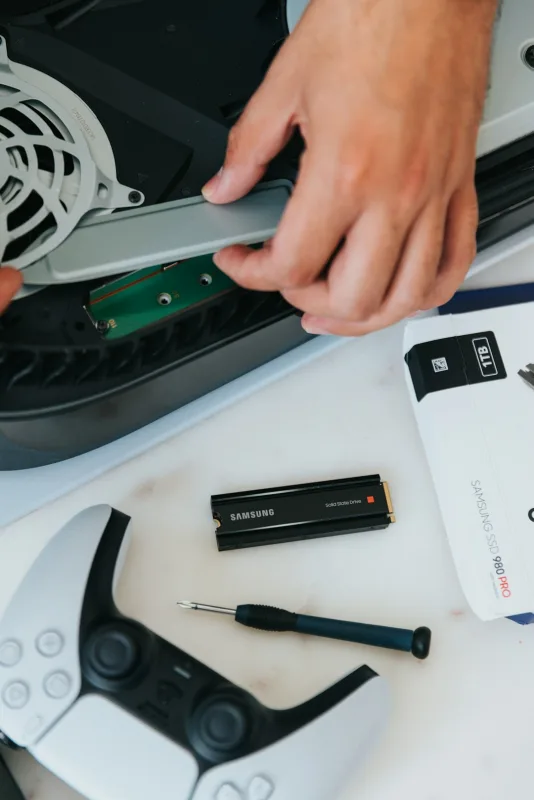
What not to do while troubleshooting
Here's where people accidentally turn a repair into a saga. Don't do these:
- ✗ Don't force the tray open or closed. If it's jammed, you can bend parts and make it worse.
- ✗ Don't spray random cleaners into the drive. Isopropyl is one thing. Random aerosols are another kettle of fish.
- ✗ Don't keep inserting scratched discs "to test it". You're just grinding the laser optics down further.
- ✗ Don't ignore repeated failures and assume it's fine. If it can't read discs, continuing to try can add wear and cost.
- ✗ Don't open the console if you're not confident with ribbon cables. One wrong tug and you'll be chasing a fault that wasn't there yesterday.
When it needs professional repair
If your PS5 disc drive won't open, or it opens but never reads any disc, it's time to get it assessed properly. Professionals can test the drive under load, check for mechanical binding, inspect connectors, and confirm whether the laser/optics or control board has failed.
At Sheffield WebTech, we'll usually start with diagnostics - not just swapping parts and hoping. That matters, because sometimes the "drive issue" is actually a connection problem, or the mechanism is binding, or the system isn't seeing the disc correctly. And if it turns out the drive needs replacing, we'll talk you through your options so you're not stuck with a guess-and-grit situation.
Repair options you might hear about (depending on what's wrong):
- ✓ Cleaning/inspection - for dust, light contamination, or minor mechanical sticking.
- ✓ Connector and cable reseat - if the issue is a loose or damaged connection.
- ✓ Laser/optics repair - where the read system has failed but the rest is OK.
- ✓ Drive replacement - if the drive assembly is beyond repair or the board-level fault can't be fixed cost-effectively.
Final takeaway
A PS5 disc drive not working can be anything from a simple jam to a full laser/control failure. Do the easy checks, but if the tray won't move or discs never read, get it diagnosed - you'll save time and stop guessing.
Frequently Asked Questions
Why won't my PS5 disc tray open when I press eject?
If the tray does absolutely nothing, it's usually a mechanical jam or a power/control issue with the disc drive. Try fully powering the PS5 off and unplugging it for 60 seconds before you start forcing anything.
What should I do if my PS5 says "Cannot read the disc" even with different games?
If multiple discs fail, it's more likely the disc drive assembly itself-like the laser/optics or a disc sensor-rather than just one bad game. Clean the discs gently and check for deep scratches, but don't keep guessing if it still won't read.
Can I fix a PS5 disc drive problem myself without damaging it?
You can do the basic checks like cleaning the disc, checking for physical obstructions, and doing a full power unplug for 60 seconds. Avoid forcing the tray by hand, because bending the rails can turn a simple jam into a bigger, more expensive repair.
When should I book a repair for a PS5 disc drive that won't work?
If the tray won't open/close properly, discs won't read across multiple games, or the drive clicks and stops, it's usually time to get it looked at. Those symptoms can point to a failing motor, stuck mechanism, or even a board-level fault.
Related services
Need help with a PS5 disc drive not working?
Sheffield WebTech handles PS5 disc drive diagnostics and repairs across Sheffield and South Yorkshire, whether it's "tray won't open" or "can't read discs". We'll tell you what's wrong and what your best repair option is.
Contact Sheffield WebTech

0 Comments
Leave a Comment