
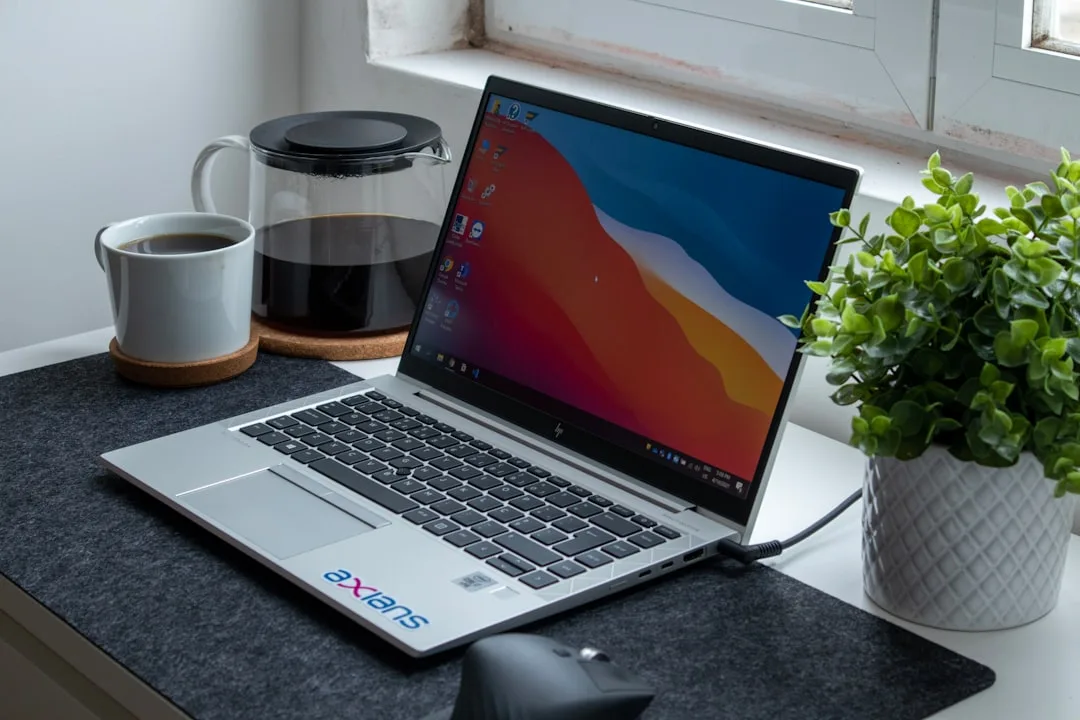
You've got the kettle on, you're halfway through a spreadsheet, and your laptop decides now is the time to whine like a kettle with a broken thermostat. Same day. Same deadline. Same "why is it suddenly slow?" panic.
So you're shopping for a work-from-home laptop in 2026. Fair. The tricky bit is working out what matters - keyboard feel, battery life, webcam quality, and whether it'll still behave after a year of Teams calls and 47 browser tabs (don't pretend you don't do it).
Short answer: what to buy for WFH in 2026
Most people are best off with a solid business or creator-leaning laptop in the £650-£1,100 range. If you want "grab it, it just works" day-to-day performance and a decent screen for long hours, aim for 16GB RAM, a 512GB SSD, and a 1080p or better webcam/IR setup. Under £600 is a gamble - not always a bad one, but it's where you start seeing cheaper screens and weaker cooling.
What affects cost - and what you actually get at each tier
Laptops aren't priced like TVs. The spec sheet matters, but the stuff you feel - thermals, screen brightness, keyboard stability - matters more. Here's the rough map.
Budget (around £450-£650)
- ✓ Usually 8GB RAM - which is fine until you open Teams and a PDF and suddenly Windows is doing interpretive dance.
- ✓ Often 256GB SSD - you'll fill it faster than you think with browser downloads and caches.
- ✓ Screens can be dim or washed out - lovely for 10 minutes, grim for 3 hours.
- ✓ Battery is "okay", not "I forgot to charge".
Buy budget only if you're happy to keep usage light, and ideally you can upgrade RAM/SSD (some models are great; some are sealed up like a mysterious biscuit tin).
Mid-range (around £650-£1,100)
- ✓ 16GB RAM is common - your "Teams + docs + tabs" routine stays smooth.
- ✓ 512GB SSD is the sweet spot - enough space for work files without constantly playing storage Tetris.
- ✓ Better build and cooling - less throttling during calls and video exports.
- ✓ Screens are usually IPS with decent brightness - fewer squints, fewer headaches.
- ✓ Webcam quality improves - clearer for meetings (and fewer "your mic is breaking up" moments).
This is where Sheffield WebTech sees most sensible home office purchases land. People come in later asking about upgrades, not replacing the whole thing.
Premium (around £1,100-£1,700+)
- ✓ Typically faster CPUs and better sustained performance (cooler chassis, better fan control).
- ✓ Higher-end screens - better colour and brightness for design work or just comfort.
- ✓ More premium webcams and mics - helpful if your home office has echo or bad lighting.
- ✓ Often longer warranty options and better resale value.
Premium is worth it if you do heavier work (content creation, lots of video calls, or spreadsheets that behave like spreadsheets do when they're too big). Otherwise you're paying for polish you may not use.
What's worth paying extra for
If you want one list and a clear decision, this is it.
- ✓ 16GB RAM minimum for WFH in 2026. It's the line between "works" and "works without drama".
- ✓ A 512GB SSD (or 1TB if you store lots of files locally). Cloud is handy, but offline matters too.
- ✓ Screen brightness and quality. Look for IPS and avoid overly dim panels if you work near a window.
- ✓ Battery life you can trust. Real-world is what counts - not the "up to" marketing number.
- ✓ Webcam + microphone quality. Your meeting fatigue is often audio quality, not your job.
- ✓ Decent cooling. Sustained performance matters when you're on calls all day.
💡 Tip - if you're buying for meetings, check whether the webcam has auto-exposure or IR login. A bad webcam makes you look worse, even when you're bright and cheerful.
What's not worth paying extra for
Some features sound great until you realise you'll never use them.
- ✗ 4K screens if you don't need them. They can crush battery life and cost more - while text scaling can be annoying.
- ✗ A massive amount of local storage "just because". If you don't use it, it's wasted money.
- ✗ Premium graphics if your work is Office, web apps, email and the occasional PDF. Save your budget for RAM and screen quality.
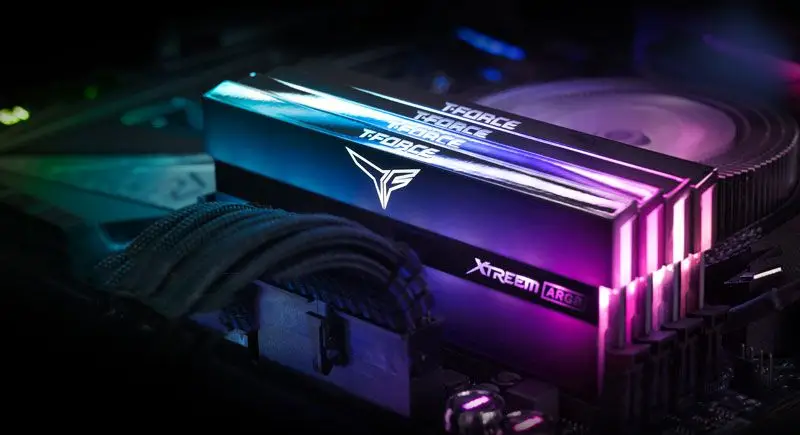
- ✗ Fancy RGB or gamer styling. Unless your employer is paying for it, it's mostly a dust magnet.
- ✗ Buying the smallest CPU possible to "future-proof". You'll feel the RAM and storage limits first, not the CPU spec.
Common mistakes when buying a WFH laptop in 2026
These are the ones that show up again and again when people come to Sheffield WebTech with "it's not quite right".
- Step text: Buying with 8GB RAM because "it's only for emails". Then adding Teams, Outlook, Chrome, and one spreadsheet that's bigger than you thought.
- Step text: Choosing a dim screen to save money. You'll notice it at 4pm when the light changes and your eyes start filing complaints.
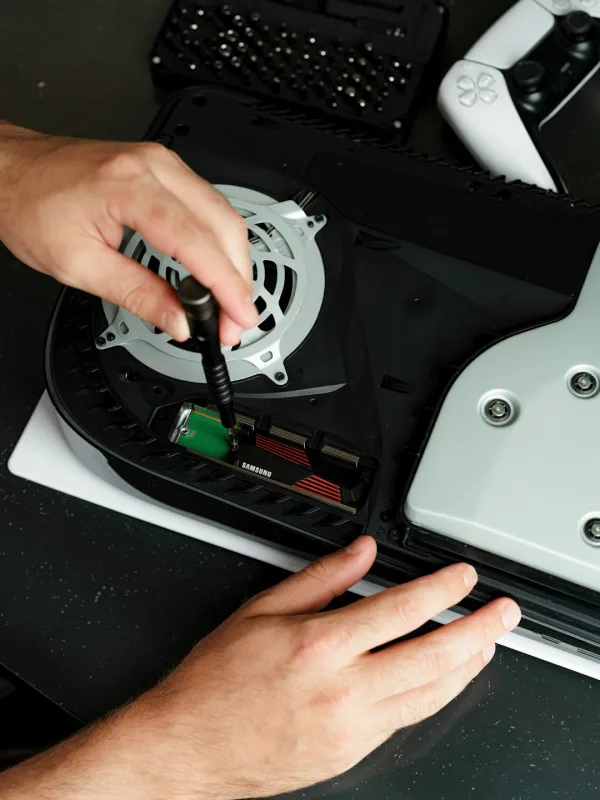
- Step text: Ignoring upgrade options. Some laptops are serviceable; others are basically sealed appliances.
- Step text: Skimping on SSD size. 256GB fills up fast - Windows updates, browser caches, and "temporary" files are not temporary.
- Step text: Relying on Wi-Fi only. If your home Wi-Fi is patchy, you'll blame the laptop. It's often the router - or the wall between you and it.
Final takeaway: the honest recommendation
For working from home in 2026, the best value is usually a mid-range laptop around £650-£1,100 with 16GB RAM, 512GB SSD, a comfortable 1080p+ screen, and cooling that can handle a full day of meetings. If you're on a tighter budget, go smaller - but don't go smaller on RAM. That's the one part that tends to cause the slowdowns you feel immediately.
If you're unsure, bring your current laptop specs (or the model you're thinking of) to Sheffield WebTech. We'll tell you straight whether it's a sensible buy or whether it'll turn into a "why is it so loud?" situation within weeks. We do laptop repairs, upgrades, and general home-office fixes across Sheffield and South Yorkshire - no judgement, just troubleshooting.
Frequently Asked Questions
What laptop specs should I look for for working from home?
For most people, aim for 16GB RAM and a 512GB SSD so Teams, documents and lots of browser tabs don't turn into a slideshow. Also look for a 1080p or better webcam (or IR) if you do regular video calls.
Is 8GB RAM enough for a work-from-home laptop?
8GB RAM can be okay for light use, but it's where things start to feel sluggish once you've got Teams, a PDF and a few tabs open. If you're doing proper day-to-day work, 16GB is the safer bet.
How much storage do I really need on a laptop for work?
512GB is usually the sweet spot for work files, downloads and caches without you constantly managing storage. If you go for 256GB, you'll likely fill it faster than you expect.
Why do some laptops get slow during video calls and how can I avoid it?
A lot of the time it's poor cooling and throttling, so the laptop slows down when it's under load. Picking a mid-range model with better thermals and sustained performance helps keep calls and video exports smooth.
Related services
Need a WFH laptop that won't slow down during Teams calls?
Sheffield WebTech can help you choose a sensible laptop spec for work, and we can also upgrade or repair your current machine if it's underperforming.
Contact Sheffield WebTech
0 Comments
Leave a Comment