
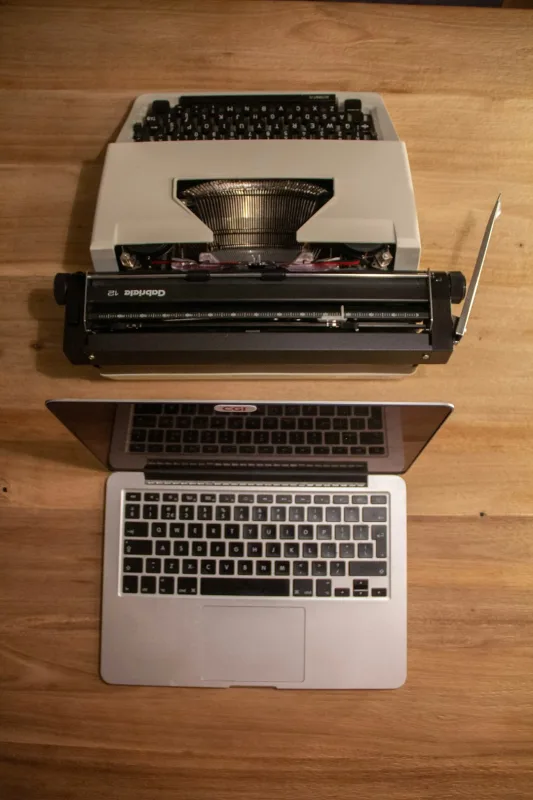
The Best Way to Speed Up an Old Laptop (Without Buying a New One) | Sheffield WebTech Guide
Is your laptop feeling more like a relic than a modern tool? That familiar frustration of watching the spinning wheel, lengthy boot times, and general sluggishness is all too common. Before you resign yourself to the cost of a new machine, know this: there’s a very good chance you can revitalise your old companion. Here in Sheffield, South Yorkshire, our team at Sheffield WebTech sees this daily. As a local tech company specialising in everything from computer repairs to advanced web development, we know that a few smart tweaks can make a world of difference. This guide provides practical, actionable steps to speed up your old laptop.
Why Your Laptop Slows Down Over Time
Understanding the 'why' is the first step to the 'how'. It’s rarely one single thing. Typically, it’s a combination of software bloat, outdated hardware struggling with modern demands, and accumulated digital clutter. Over years of use, temporary files pile up, startup programs multiply, and the operating system itself becomes bogged down. For businesses and individuals across South Yorkshire, a slow laptop isn't just an annoyance—it's lost productivity.
The #1 Hardware Upgrade: Install an SSD
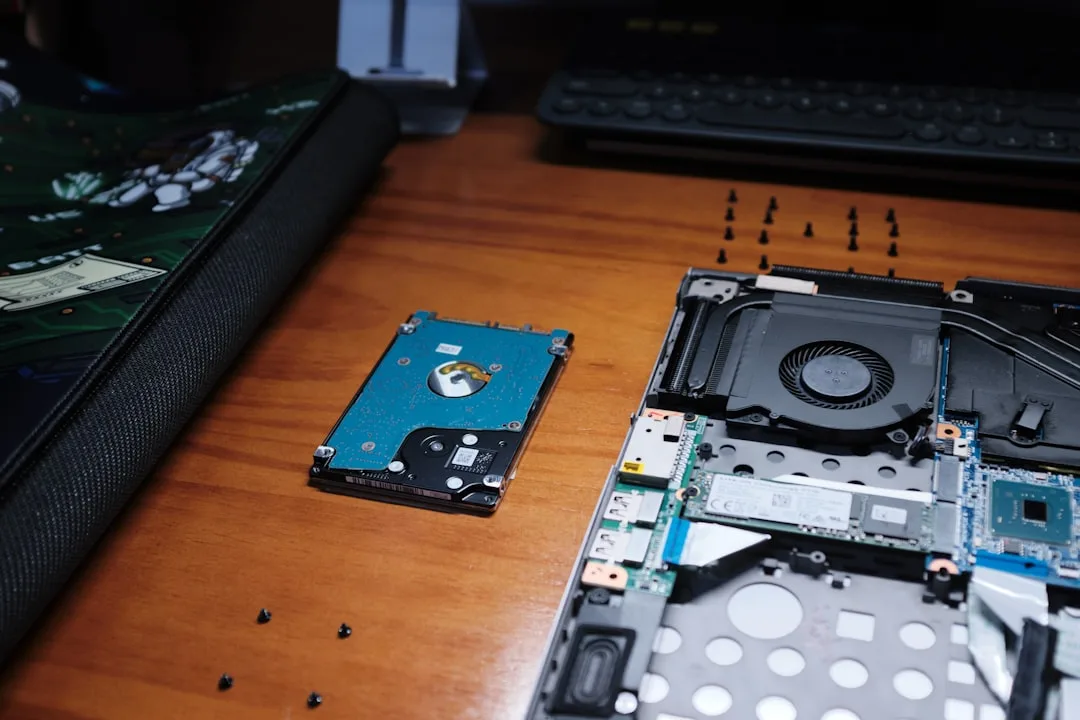
If you do one thing from this list, make it this. Replacing an old Hard Disk Drive (HDD) with a Solid State Drive (SSD) is the single most effective upgrade for an aging laptop. An SSD has no moving parts, so it accesses data lightning-fast. The result? Your laptop will boot in seconds, applications will launch almost instantly, and file transfers will be dramatically quicker. This upgrade alone can make a 5-year-old laptop feel brand new.
- What You'll Need: A compatible 2.5-inch SATA SSD (or an NVMe drive if your laptop supports it) and a small screwdriver.
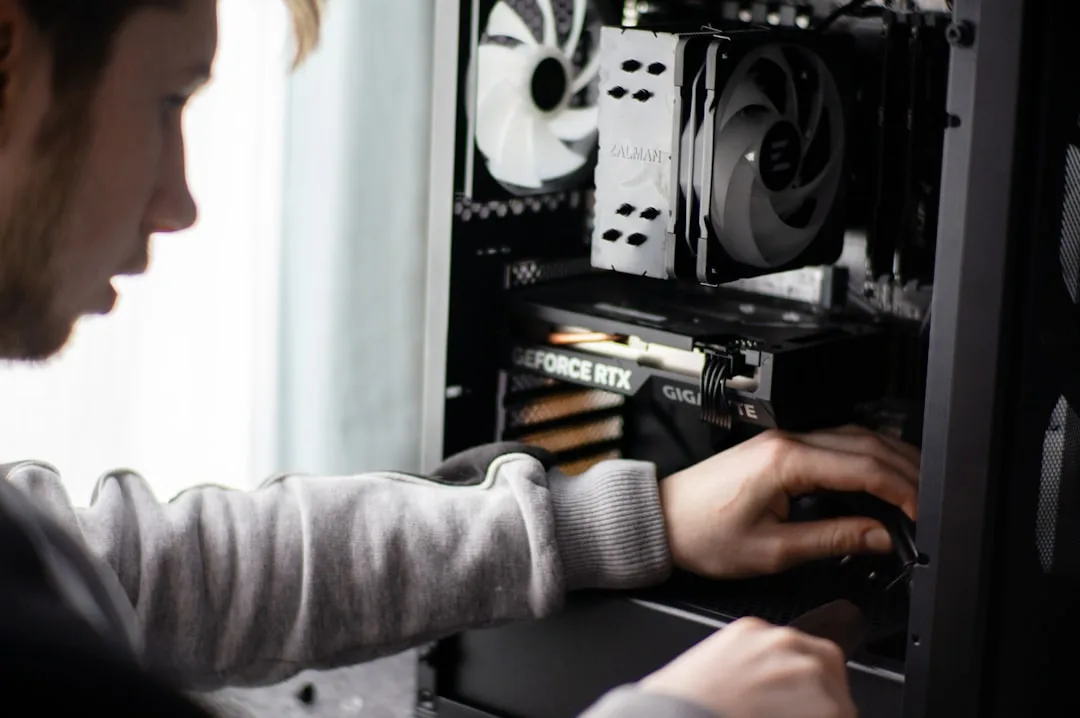
- The Process: Back up your data, clone your old drive to the new SSD (or perform a fresh Windows install), and physically swap the drives.
- Professional Help: Not comfortable opening your machine? That's exactly the kind of service we offer at Sheffield WebTech. Our computer upgrade service can handle the entire process for you, ensuring your data is safe and the installation is flawless.
Essential Software & System Optimisations
Before or after a hardware upgrade, these software fixes are crucial for maintaining a smooth experience.
1. Perform a Deep Clean
Use the built-in Disk Cleanup tool (search for it in the Start Menu) to remove temporary files, system files, and emptied recycle bin data. For a more thorough clean, consider a trusted third-party tool like CCleaner (use cautiously).
2. Manage Startup Programs
Too many programs launching at boot is a primary cause of slow startup. Press Ctrl+Shift+Esc to open Task Manager, go to the 'Startup' tab, and disable any non-essential applications (like cloud storage clients you don't use daily or media helpers).
3. Uninstall Unused Software
Go to Settings > Apps > Apps & features. Scroll through and uninstall any bloatware that came with the laptop and any programs you haven't used in over a year. This frees up space and removes background processes.
4. Run a Malware & Virus Scan
Malware can severely impact performance. Run a full scan with Windows Defender (built-in) or your installed antivirus. If you suspect an infection you can't remove, Sheffield WebTech provides expert virus removal services for clients across Sheffield and South Yorkshire.
Physical Maintenance & Long-Term Care
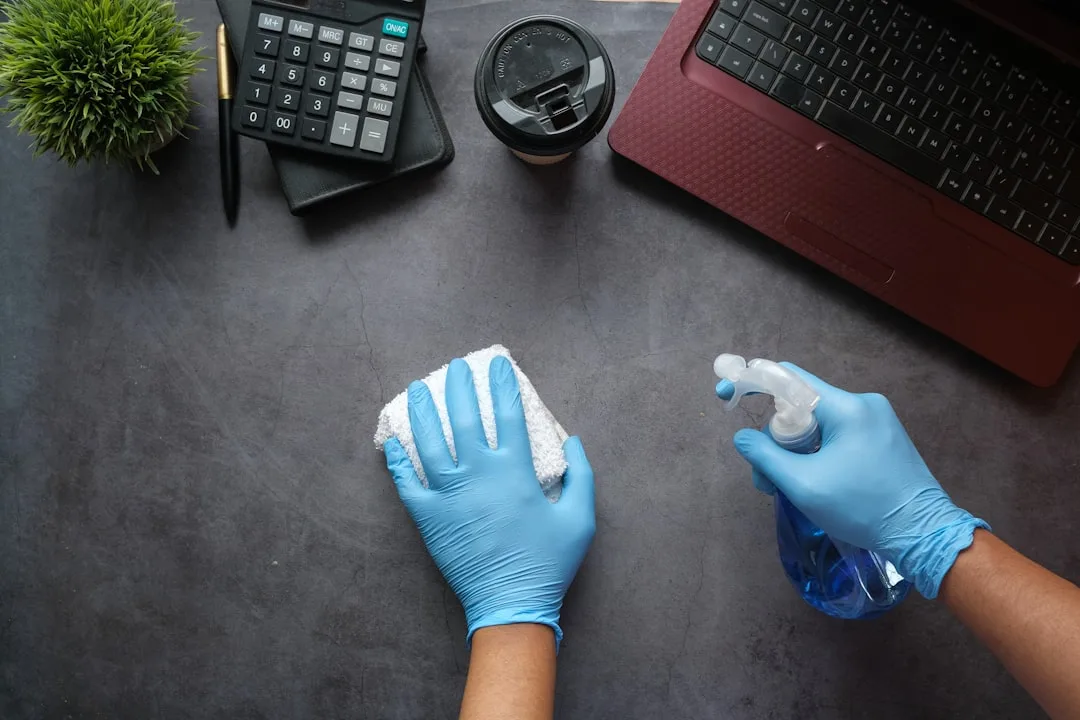
Performance isn't just digital. Overheating due to dust-clogged fans can cause the processor to throttle (slow itself down to prevent damage).
- Clean the Vents: Use a can of compressed air to blow dust out of the laptop's air vents and fans. Do this with the laptop powered off.
- Check Your Power Plan: In Windows, search for "Choose a power plan" and select "High performance" when plugged in. This ensures your CPU isn't being unnecessarily limited.
- Consider a Cooling Pad: For laptops that get very hot, an external cooling pad can help maintain optimal temperatures during intensive tasks.
When to Consider a Fresh Start
If all else fails, a clean installation of Windows is the nuclear option. It wipes everything and gives you a brand-new software environment. This is highly effective but time-consuming, as you must back up all personal data and reinstall your applications. It's often best combined with that new SSD we mentioned earlier.

FAQs: Speeding Up Your Laptop
Is adding more RAM worth it?
It depends. If you frequently have many browser tabs and applications open simultaneously, and your current RAM is below 8GB, an upgrade to 8GB or 16GB can significantly improve multitasking. However, if your primary issue is slow boot and file access, the SSD is a better first investment.
Should I switch to a lighter operating system like Linux?
For tech-savvy users who primarily browse the web and use basic office software, Linux can be a fantastic option to revive very old hardware. For most users who rely on specific Windows or Mac applications, sticking with optimised Windows is the simpler path.
How much does a professional upgrade cost?
Costs vary based on the parts (SSD, RAM) and labour. At Sheffield WebTech, we believe in transparent, fair pricing. We offer competitive rates for upgrades and repairs, often a fraction of the cost of a new laptop. For a specific quote tailored to your machine, you can always contact our Sheffield workshop.
Conclusion: Extend Your Laptop's Life Today
You don't have to live with a slow laptop or face the immediate expense of a new one. By methodically applying these hardware and software optimisations, you can reclaim lost speed and productivity. Start with the software cleanup and startup management—it's free and can yield immediate results. For the transformative boost, plan for an SSD upgrade.
If the technical steps feel daunting, remember that local expertise is here to help. Sheffield WebTech is more than a web design and SEO agency; we're your South Yorkshire neighbours who specialise in practical tech solutions. Whether it's a laptop speed-up, a custom PC build, or developing your business's online presence, we provide reliable, professional service. Get in touch to discuss how we can help you or your business work faster and smarter.
1 Comment
This was very interesting and insightful!
Leave a Comment