
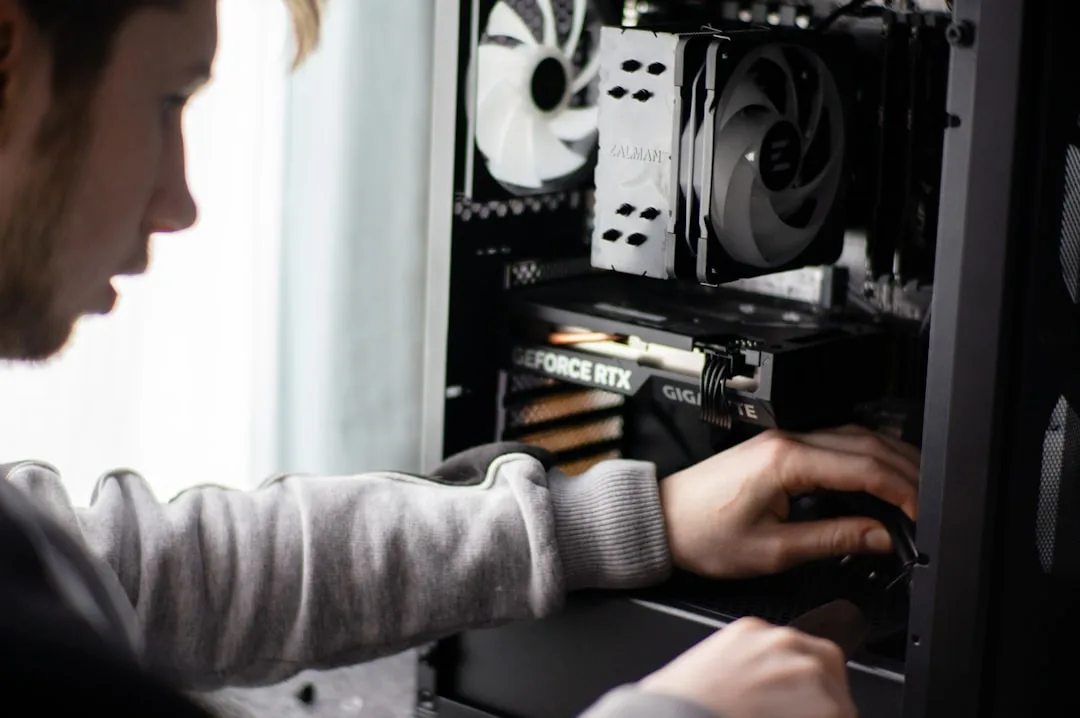
The Essential Checklist: Best Upgrades to Speed Up Your Old PC
Is your once-speedy computer now showing its age? That familiar lag when opening applications, the interminable boot-up time, and the spinning wheel of doom are common frustrations. Before you resign yourself to the cost of a brand-new machine, consider this: a few strategic upgrades can breathe new life into your old PC, saving you money and reducing electronic waste. Here at Sheffield WebTech, our tech team has revived countless computers for residents and businesses across Sheffield and South Yorkshire. This checklist is your practical guide to the most effective upgrades.
1. The Single Best Upgrade: Install an SSD
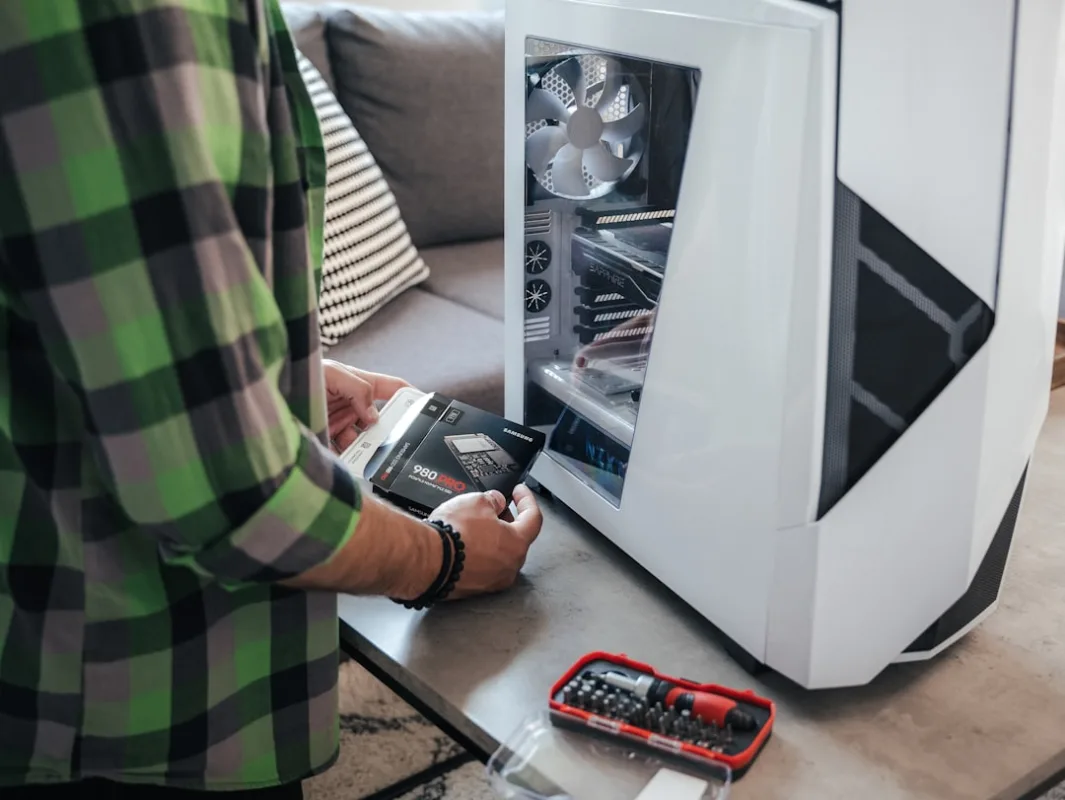
If you only do one thing from this list, make it this. Replacing an old Hard Disk Drive (HDD) with a Solid State Drive (SSD) is the most transformative upgrade you can make. Traditional HDDs have moving parts, which makes them slow. SSDs have no moving parts, allowing for near-instant data access.
The result? Your computer will boot up in seconds rather than minutes. Applications will launch almost instantly, and file transfers will be significantly faster. It feels like getting a brand-new computer. For a comprehensive performance boost, install your operating system (like Windows) on the SSD.
What to Consider:
- Capacity: A 250GB or 500GB SSD is ideal for your operating system and key programs. Keep your old HDD for storing large files like photos and videos.
- Installation: This can involve cloning your old drive or doing a fresh Windows install. If you're not comfortable doing this yourself, the team at Sheffield WebTech can handle it for you quickly and professionally. Contact us today to get started.
2. Boost Your RAM (Memory)
Random Access Memory (RAM) is your computer's short-term memory. When you have too many programs or browser tabs open, your RAM fills up, forcing the computer to use the much slower hard drive as a temporary overflow, which causes lag and freezing.
Upgrading your RAM is often a simple and cost-effective way to improve multitasking performance. For modern Windows 10 or 11, we recommend at least 8GB of RAM for smooth general use. If you're a power user, gamer, or work with large files (like in video editing or web development), 16GB or more is the sweet spot.
Actionable Steps:
- Check Compatibility: Use a tool like Crucial's System Scanner to find the right type (DDR3, DDR4) and maximum capacity for your motherboard.
- Purchase the Right Modules: It's often best to install RAM in matching pairs (e.g., two 4GB sticks instead of one 8GB stick) to leverage dual-channel performance.
- Install Carefully: RAM installation is generally straightforward, but it requires care to avoid static damage. If you're unsure, our local tech experts at Sheffield WebTech are here to help.
3. Declutter Your Software and Reinstall Your OS
Over time, computers accumulate software bloat, temporary files, and sometimes even malware, all of which can drag performance down. A software cleanup is a free upgrade that can yield significant results.
- Uninstall Unused Programs: Go through your Control Panel (Windows) or Applications folder (Mac) and remove software you no longer use.
- Manage Startup Programs: Many programs set themselves to launch at startup, slowing down your boot time. Use the Task Manager (Ctrl+Shift+Esc) to disable unnecessary startup items.
- Run a Malware Scan: Use Windows Security or a trusted antivirus program to check for infections. For stubborn viruses, Sheffield WebTech offers expert virus removal services to get your system clean and secure.
- The Nuclear Option: Fresh OS Install: If your system is still slow after other upgrades, a fresh installation of Windows can wipe away years of digital clutter. Remember to back up your important files first!
4. Improve Cooling and Apply New Thermal Paste
Heat is the enemy of performance. When your CPU (processor) gets too hot, it automatically slows down—a process called "thermal throttling"—to prevent damage. Dust clogging your fans and vents, coupled with dried-out thermal paste (the compound that helps transfer heat from the CPU to the cooler), are common culprits.
Carefully cleaning the internal components with compressed air and applying a fresh, high-quality thermal paste can lower temperatures, reduce fan noise, and allow your CPU to maintain its maximum speed for longer. This is a more advanced step, but it can be very effective for older systems.
5. Consider a CPU or GPU Upgrade (Advanced)
Upgrading the central processing unit (CPU) or graphics processing unit (GPU) can deliver a powerful performance boost, but these upgrades are more complex and not always possible.
- CPU Upgrade: This is heavily dependent on your motherboard's socket type. You are typically limited to CPUs that were available when your motherboard was released. Research compatibility thoroughly before purchasing.
- GPU Upgrade: A new graphics card can dramatically improve gaming performance and video editing. However, you must ensure your power supply unit (PSU) has enough wattage and the correct connectors to support a new GPU. Also, check that it will physically fit in your case!
For these advanced upgrades, consulting with a professional is highly recommended. The technicians at Sheffield WebTech can assess your system's compatibility and recommend the best components for your needs and budget.
Frequently Asked Questions (FAQs)
Is it cheaper to upgrade or buy a new PC?
For PCs that are around 3-5 years old, upgrading (especially with an SSD and more RAM) is almost always significantly cheaper than buying a new equivalent machine. It's also a more sustainable choice. For much older systems (7+ years), a new PC might be a better long-term investment.
What is the first thing I should upgrade?
The SSD is, without a doubt, the number one upgrade for improving perceived speed and responsiveness. It provides the most noticeable day-to-day improvement for the average user.
I'm not tech-savvy. Can I still upgrade my PC?
Absolutely. While installing an SSD or RAM can be a DIY project, there's no shame in seeking professional help. A local company like Sheffield WebTech exists to make technology easy for you. We can advise on the best components, handle the entire installation process, and ensure your data is safely transferred. See our full range of tech and web services.
Conclusion: Breathe New Life into Your Machine
Don't let a slow PC frustrate you or hurt your productivity. By following this checklist—starting with an SSD and more RAM—you can enjoy a faster, more responsive computer without the high cost of a replacement. It's a smart, practical solution for both home users and businesses in Sheffield.
Whether you're a student, a remote worker, or a local business owner relying on efficient technology, a PC upgrade can make a world of difference. And if you need a hand, remember that Sheffield WebTech is your local expert in web design, SEO, and tech repairs right here in South Yorkshire. We're committed to helping our community get the most out of their technology.
Ready to speed up your old PC? Contact Sheffield WebTech today for a friendly, no-obligation consultation and quote.
0 Comments
Leave a Comment