
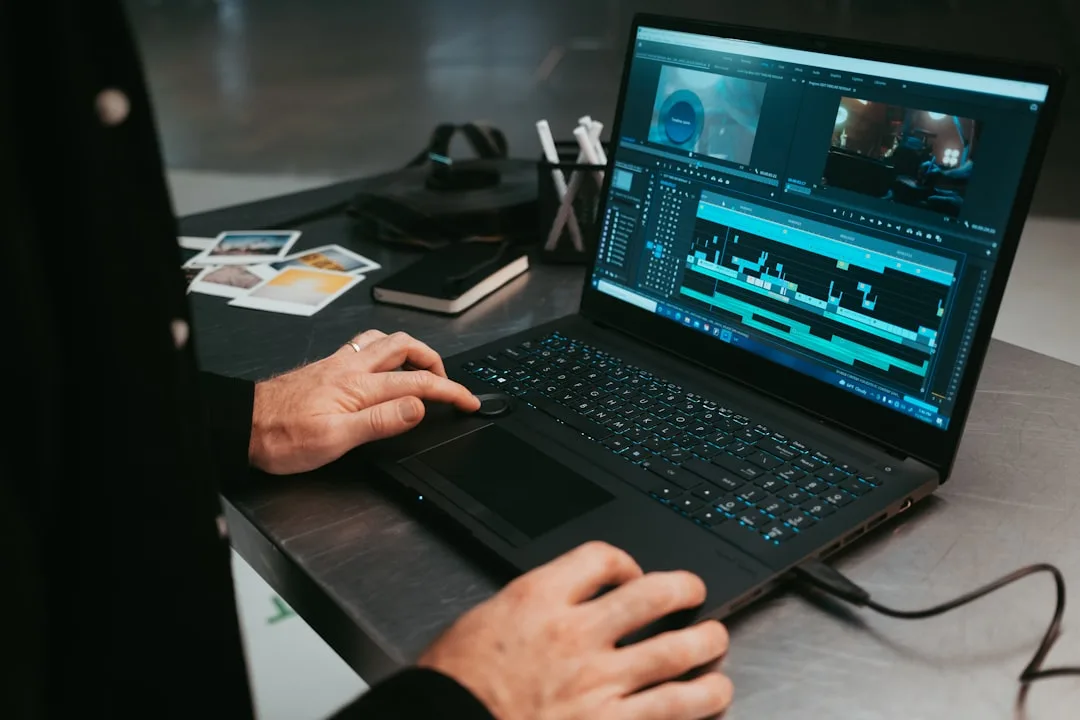
Essential PC Upgrades for Faster Video Editing
Is your video editing workflow plagued by endless loading bars, choppy playback, and frustratingly slow export times? You're not alone. For creative professionals and hobbyists in Sheffield and beyond, a sluggish computer can be a major roadblock to productivity. The good news is that you don't always need to invest in a brand-new system. Often, strategic upgrades can breathe new life into your existing PC, transforming it into a smooth, efficient editing powerhouse. The team at Sheffield WebTech has put together this comprehensive guide to the most impactful PC upgrades for video editing.
Understanding the Video Editing Bottleneck
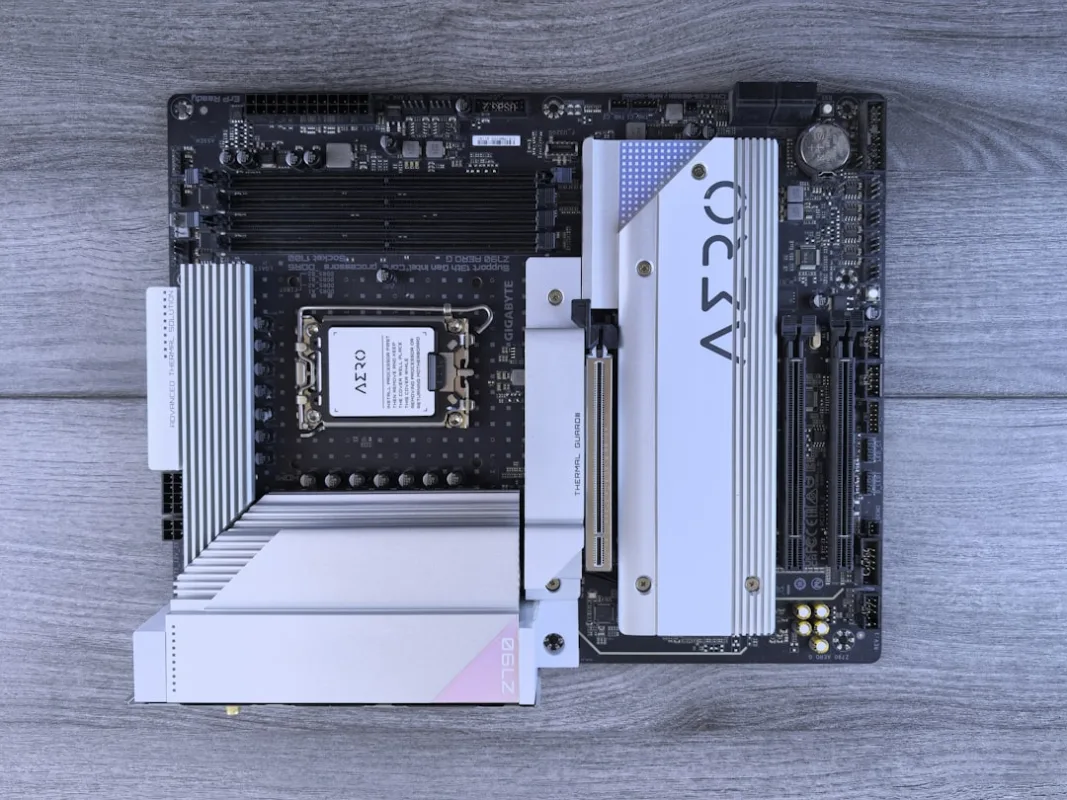
Before you start spending money, it's crucial to identify what's slowing you down. Video editing is a unique workload that stresses several components simultaneously:
- CPU (Processor): Handles effects, encoding, and decoding.
- GPU (Graphics Card): Accelerates playback, rendering, and certain effects.
- RAM (Memory): Holds your editing software, project files, and assets for quick access.
- Storage (SSD/HDD): Determines how fast your footage loads and saves.
A bottleneck occurs when one component is maxed out while others are idle. For example, a powerful CPU is wasted if you're trying to edit 4K video directly from a slow hard drive. Our technicians at Sheffield WebTech can help diagnose your specific bottleneck with a quick assessment.
Priority #1: Upgrade to an SSD (Solid State Drive)
If you're still using a traditional Hard Disk Drive (HDD) as your main drive, this is the single most impactful upgrade you can make—period. Swapping to a Solid State Drive (SSD) will dramatically decrease boot times, application launch times, and file transfer speeds.
Our Recommendation: Use a fast NVMe SSD as your primary drive for your operating system and editing software. Then, use a larger SATA SSD (or a high-capacity HDD) to store your media files and project archives. This setup provides the best balance of speed and capacity. If you're unsure about the installation process, the tech repair team at Sheffield WebTech can handle the upgrade quickly and safely.
Priority #2: Add More RAM
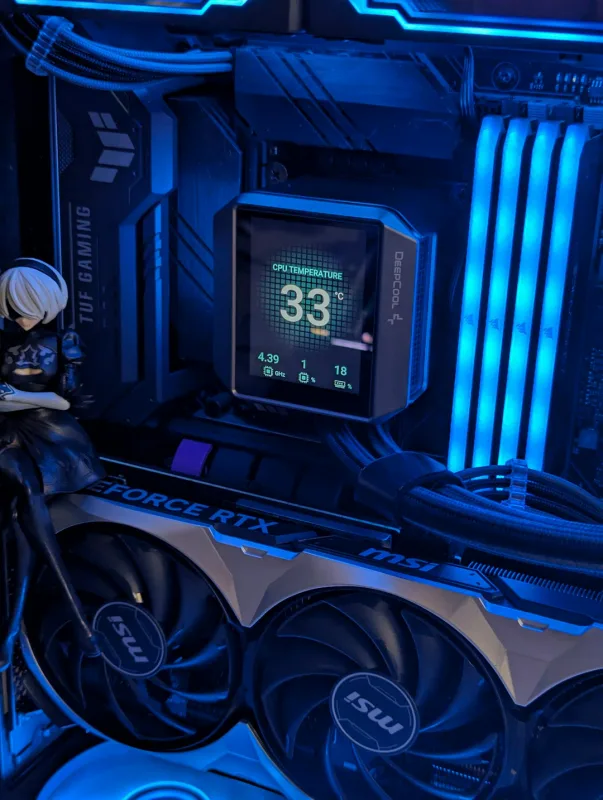
When editing, your system uses RAM to store your current project timeline, applied effects, and cached preview files. If you run out of RAM, your computer is forced to use your much slower SSD or HDD as virtual memory, causing major stutters.
How much is enough?
- 16GB: The absolute minimum for 1080p editing.
- 32GB: The sweet spot for comfortable 4K editing and multi-tasking.
- 64GB or more: Essential for complex effects, 6K/8K footage, or heavy multi-tasking.
Adding RAM is one of the easiest upgrades. If you need help selecting compatible memory or installing it, contact us today for a consultation.
Priority #3: Invest in a Powerful Graphics Card (GPU)
Modern editing software like Adobe Premiere Pro and DaVinci Resolve leverage the GPU for a wide range of tasks, including:
- Smooth timeline playback at high resolutions.
- Rendering and applying GPU-accelerated effects and transitions.
- Color grading and scaling.
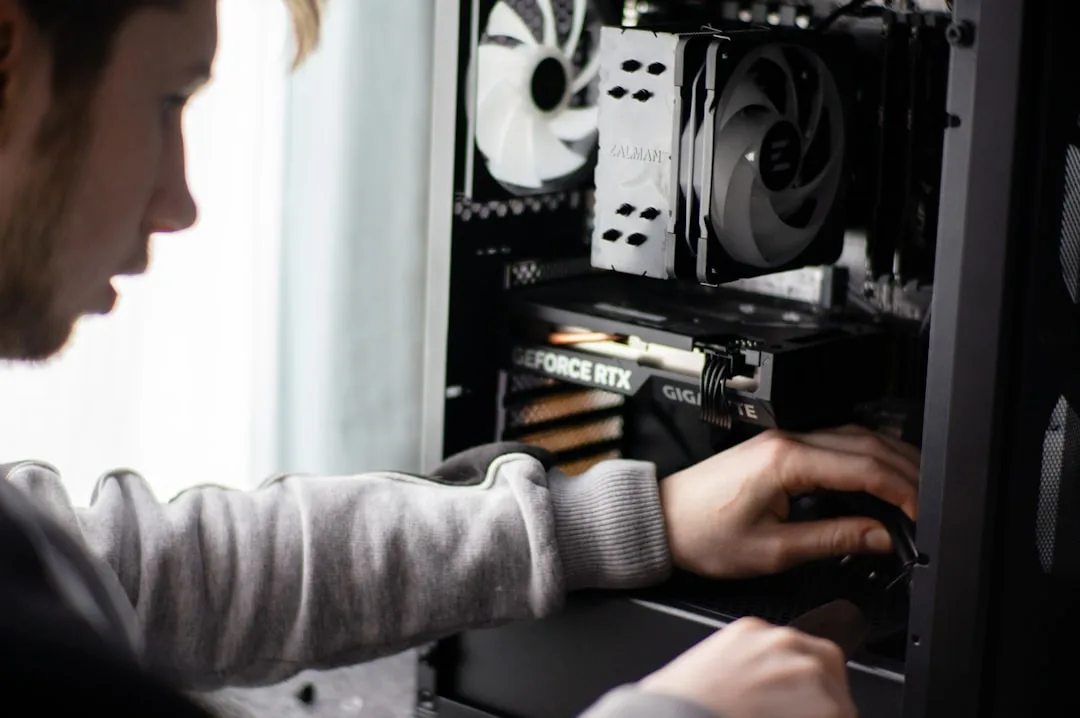
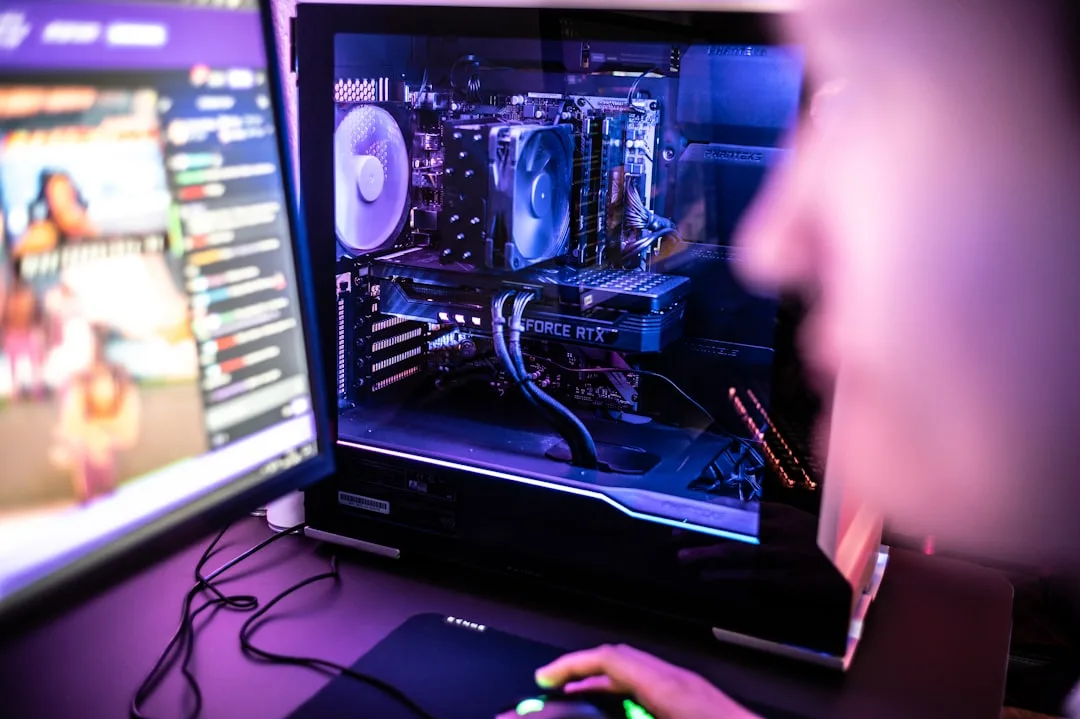
While you don't need a top-of-the-line gaming GPU, a dedicated card from NVIDIA's RTX series or AMD's Radeon RX series will provide a massive performance boost. Ensure your power supply can handle the new card's requirements.
Priority #4: Consider a CPU Upgrade
The CPU is the brain of your operation, especially during the final export (rendering) phase. A CPU with more cores and higher clock speeds will significantly reduce export times. However, this upgrade can be more complex and expensive, as it may require a new motherboard and potentially new RAM.
When to upgrade your CPU: If you're already on a relatively modern platform (e.g., AM4 for AMD or LGA 1700 for Intel), a CPU upgrade can be cost-effective. If your system is older, a new motherboard/CPU/RAM combination might be a better long-term investment.
Optimising Your Current Setup
Before you spend any money, try these software optimisations:
- Use Proxy Files: Edit with low-resolution proxy files for smooth playback, then let the software switch to full resolution for export.
- Clear Cache Regularly: Old cache files can slow down your software. Clean them out from your preferences menu.
- Close Background Applications: Free up precious RAM and CPU cycles by closing browsers and other apps while editing.
Why Choose Sheffield WebTech for Your PC Upgrades?
As a trusted name in Sheffield, South Yorkshire, Sheffield WebTech doesn't just build websites. We are a full-service technology partner. Whether you're a local videographer needing a faster rig or a business looking for professional web design and SEO services, we have the expertise to help.
Our service includes:
- Free, No-Obligation Consultation: We'll assess your current setup and goals to recommend the most cost-effective upgrades.
- Quality Components: We use reliable, high-performance parts from trusted suppliers.
- Expert Installation: Our technicians ensure everything is installed correctly and optimally configured.
- Additional Services: From virus removal and tech repairs to web development, we're your one-stop tech shop.
Frequently Asked Questions (FAQs)
What is the most important upgrade for video editing?
For most systems, upgrading from an HDD to an SSD is the most noticeable improvement for general responsiveness. However, the true "most important" upgrade depends on your specific bottleneck.
Is 32GB of RAM overkill for video editing?
For 4K editing and future-proofing, 32GB is becoming the new standard and is highly recommended. It is not overkill for serious editing work.
Can Sheffield WebTech help me choose the right parts?
Absolutely! Our experts will discuss your budget and editing needs to recommend a tailored upgrade path. Get in touch for a friendly chat.
Ready to Supercharge Your Editing Workflow?
Don't let a slow computer stifle your creativity. A strategic upgrade can save you hours of waiting and frustration. Whether you're a content creator in the heart of Sheffield or anywhere in South Yorkshire, Sheffield WebTech is here to provide reliable, professional tech solutions.
Ready to get started? Contact Sheffield WebTech today for a free PC upgrade consultation and quote. Let's build the fast, efficient editing machine you deserve.
0 Comments
Leave a Comment