
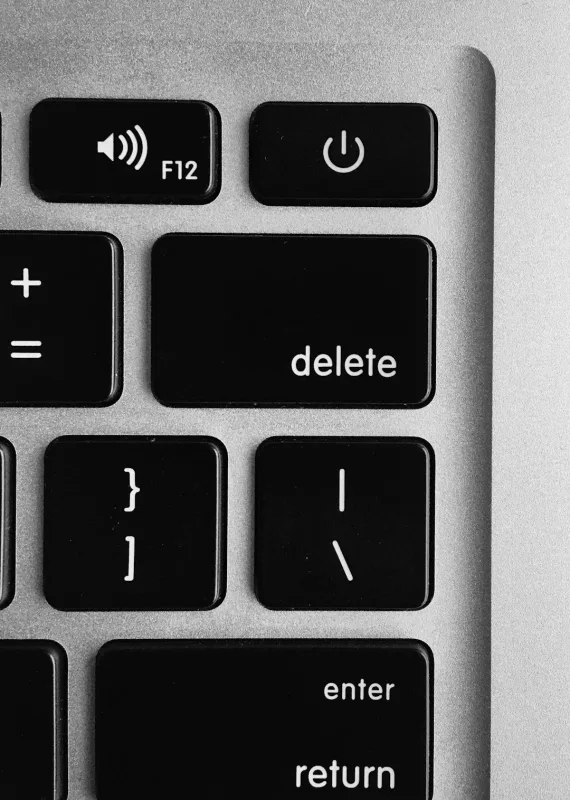
You press the power button on your laptop and… click. Pause. Click again. Sometimes it fires up, sometimes it just sits there like it's forgotten how electricity works. And if you're hearing it from the same spot every time - usually near the hard drive area or the right side where the power board hides - you're not imagining things.
Sheffield WebTech sees this one all the time. It can be something simple (like a sticky fan blade) or something expensive (like a failing drive). Either way, that clicking is the laptop trying - and failing - to do the next step in its boot process. A bit like a dog that keeps barking at the same corner of the garden because it heard something. Probably there's a reason.
What the fault usually means
"Clicking" on laptops usually falls into a few buckets. Most of them boil down to a power or moving-part issue.
- Hard drive or SSD-related clicking - older HDDs can click when the read/write head is struggling. Some SSDs don't click, but controllers can still make a tiny relay-like tick.
- Fan or cooling blockage - dust bunnies, a loose fan screw, or a cable brushing the fan can produce a repeating tick or click as the fan tries to spin up.
- Power supply / charging circuit cycling - the laptop may attempt to power on, then drop out, then try again. That "tick-tick" can be a relay or protection circuit doing its job.
- RAM or BIOS boot retries - less common, but some systems will repeatedly attempt memory training and you can hear a click from the motherboard area.
- Loose connector - a partially seated battery connector or DC-in jack can cause weird on-off behaviour with audible clicks.
Simple checks to try first
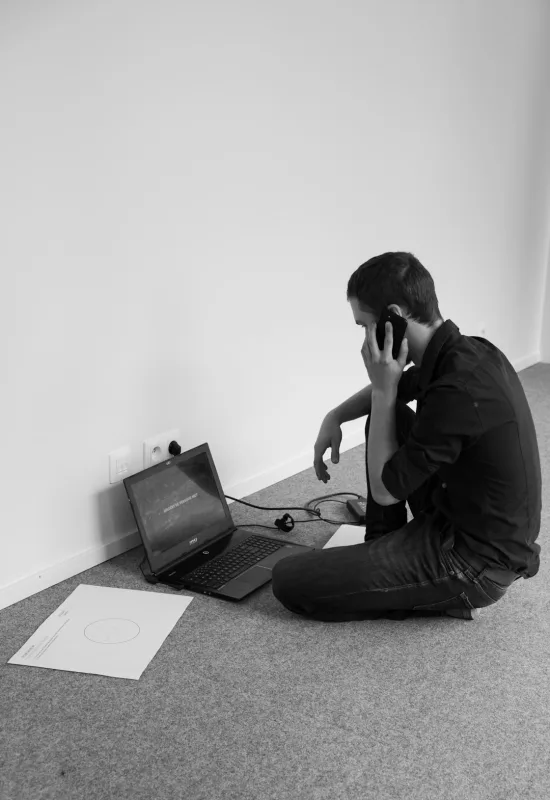
Before you start pulling things apart (because someone always does that first), do the easy stuff. These checks can save you a wasted repair quote.
Still not working? We fix these issues daily - fast, affordable, and no guesswork.
Get it fixed today →- Step text. Unplug everything - charger, USB devices, docks, even extra monitors. Then try the power button again.
- Step text. Hold the power button for 20 seconds with the charger unplugged. This discharges the system and can stop power-cycling. (Yes, it feels like magic. It's just capacitors.)
- Step text. Try with the correct charger. If you've borrowed one, swapped cables, or "made do" with a lower-wattage adapter - don't. Wrong wattage can trigger protection and clicking.
- Step text. Look at the fan behaviour. If you can safely see the fan through a vent, does it spin then stop, or does it not move at all?
- Step text. Listen with the lid closed and then open. If the sound changes, you've likely got something mechanical (fan or hinge area) rather than a pure power fault.
- Step text. Check for obvious dust. If the air vents are packed solid with fluff and Sheffield has done its thing again, clean the intake vents gently with compressed air.
If you've done those and it's still clicking, the deeper cause is usually hiding under the lid.
Deeper causes if the simple checks don't work
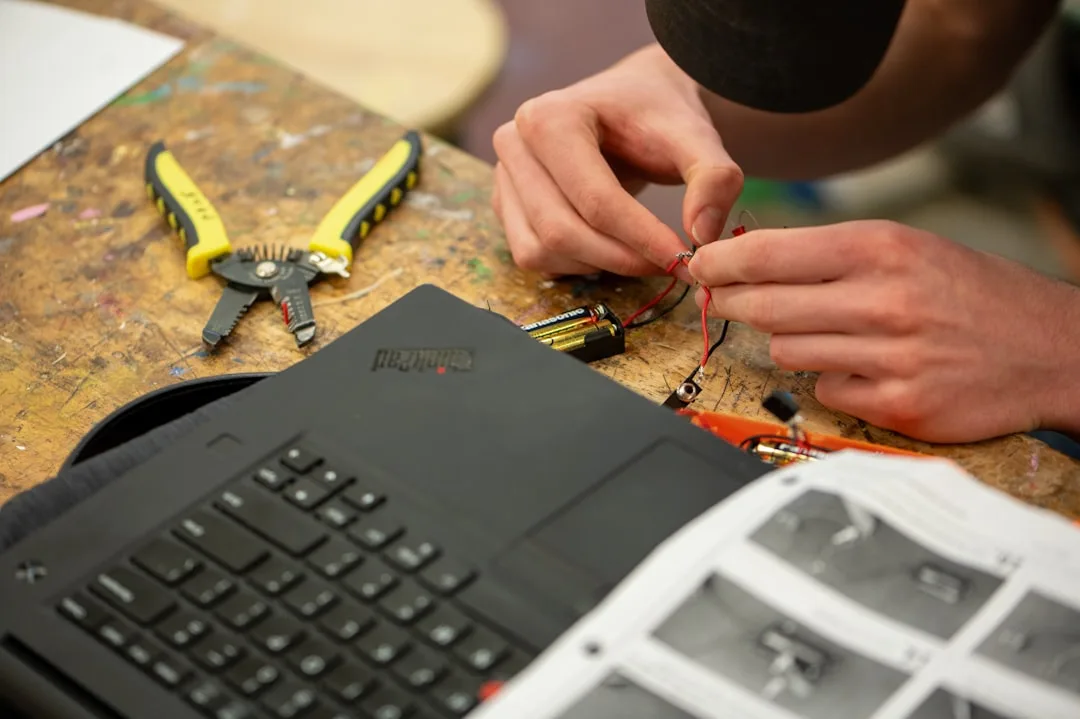
At this point, you want to think like the laptop. It's trying to start, and something prevents it from getting past the next stage.
Failing hard drive (or struggling head)
If you have an older model with a 2.5" HDD, clicking during boot is often the drive head hunting. It may still "turn on" but Windows (or the BIOS) stalls. Don't keep trying over and over. A drive that's failing doesn't get better with encouragement - it gets worse.
We'll usually confirm with diagnostics and check SMART status where possible. If it's a mechanical drive, the priority is data safety before anything else. A lot of people only realise it's their photos that are on the line after it's too late. (Classic.)
Fan obstruction or fan bearing failure
Fan-related clicking is usually a repeating tick as the fan tries to spin. Causes include: - dust-packed blades - a loose fan screw - a cable tie or ribbon cable that's fallen into the fan path - failing fan bearing (which sounds like a tiny rattle or click as it struggles)
In repairs we'll inspect the fan, check whether it spins freely, and confirm the fan header connection. If the fan is dead, the laptop may overheat and power-cycle, which can also sound like clicking.
Power-cycling relay/protection circuit
Some laptops will click from a relay or protection circuit when they detect a short, failing battery, or bad power rail. You might see the keyboard light flash, the charging LED flicker, or nothing at all - but the click repeats.
This is where "it turns on but only clicks" usually points to: - battery pack issues (swollen or internally faulty) - a failing DC-in port - a shorted component on the motherboard - bad RAM seating (less often, but it happens)
Loose or failing connections
Loose battery connectors, slightly lifted DC jack solder joints, or poor contact in the RAM slot can all cause repeated attempts to boot - and those attempts can produce a click. The board doesn't always fail dramatically. Sometimes it just can't commit to starting.
What not to do while troubleshooting
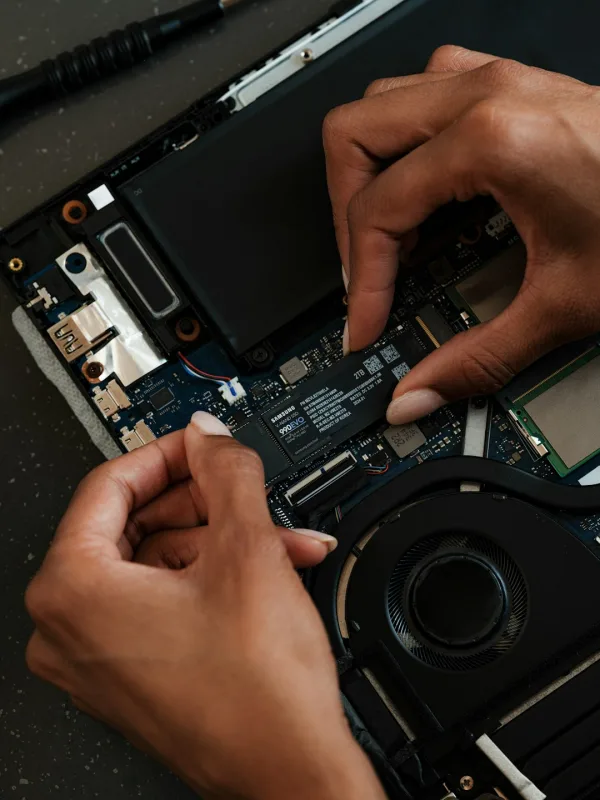
People mean well. The trouble is, laptops don't appreciate "creative repair". Here's what to avoid:
- Don't keep powering on repeatedly for "one more try". If it's a failing drive or a short on the board, extra boot attempts can reduce your chances of recovery.
- Don't spray random cleaner inside. WD-40 isn't a magical fix for electronics - it's a lubricant. Electronics want contact cleaner, not a slip-and-slide.
- Don't press down on the keyboard like it's a TV remote. If the fault is on the motherboard, that pressure can make it worse.
- Don't yank out the battery connector if you're unsure where it sits. Many modern laptops have delicate battery cables. One wrong move and the "click" becomes a "no power at all".
- Don't ignore heat. If the laptop starts getting hot quickly while clicking, stop. That's your cue to get it checked.
When it needs professional repair
If the clicking is persistent, the laptop won't boot, or you're seeing power cycling (lights flash, fans try then stop), it's usually time to bring it in. Especially if you need the data off the drive.
Professional repair is a good idea when:
- The laptop clicks and never reaches the BIOS/boot logo.
- You have an HDD and it's clicking during start - data recovery may be needed.
- You've tried a different charger and basic power reset - no change.
- The fan is silent but the click continues - could be a power rail or board fault.
- You smell burning or see scorch marks. Don't "test it" further. That's how laptops turn into paperweights.
We'll diagnose properly - not just replace parts until the clicking disappears. (That's how you end up paying for a new SSD when the real issue was a bad fan header, for example.) If you're in Sheffield or South Yorkshire, getting it looked at sooner usually costs less than a long, drawn-out guessing game.
Final takeaway
Laptop clicking is rarely "nothing". It's usually a drive/fan/power-cycling issue trying to boot and failing.
Do the simple resets and charger checks first - then stop poking it if it keeps repeating. That way you give the repair a fighting chance, and your data a better one too.
Frequently Asked Questions
Why is my laptop making a clicking noise when I turn it on?
A clicking sound on startup is often the hard drive trying to spin up or failing to read properly. If it keeps clicking and won't boot, back up anything you can straight away.
What does it mean if my laptop clicks when the fan kicks in?
If the clicking happens as the fan starts, it could be a loose fan blade or debris hitting the fan. Try cleaning around the vents and, if it continues, get the fan checked.
Could a clicking noise be caused by a loose internal part?
Yeah, loose screws or a component shifting can make a repetitive click, especially when the laptop is moved or jostled. If you're not comfortable opening it, it's safer to have a technician take a look.
When should I stop using my laptop if it's clicking?
Stop using it if the clicking is getting worse, the laptop won't boot, or you're seeing errors or freezes. Continuing to run it can make damage worse, so it's best to get it diagnosed quickly.
0 Comments
Leave a Comment