
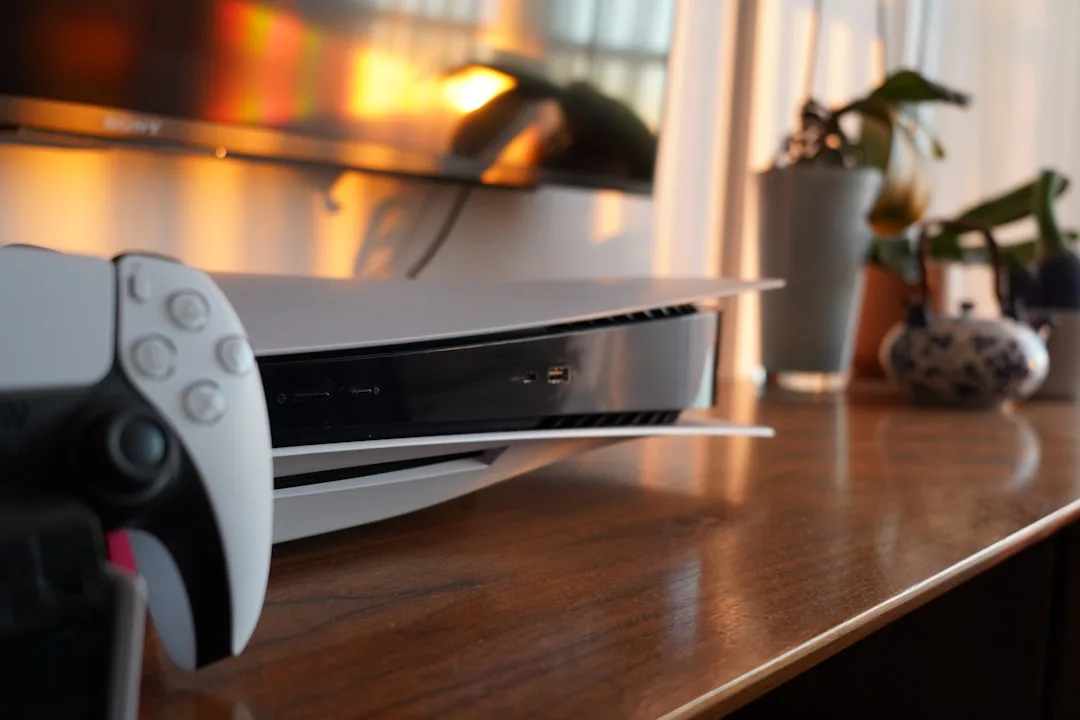
You press the PS5 power button, the light comes on, the fan hums, and the TV gives you the cheerful little insult of No Signal. Brilliant. The console is awake, the screen is not, and you are left staring at a black rectangle like it owes you money.
That message does not automatically mean the HDMI port is dead. Sometimes it is something daft - the wrong input, a cable that has decided retirement sounds nice, or a settings issue after the console has been moved, updated, or power-cycled in a slightly dramatic fashion. Other times, yes, the port has had a bit of a day.
What "No Signal" actually means
The TV is telling you it cannot see a usable video signal from the PS5. That is all. It is not a diagnosis. TVs are very good at being vague with confidence, which is a skill I suppose.
The PS5 might still be running normally in the background. You could have sound, controller pairing, even the home menu working - just with no picture getting through. Or the machine may be failing earlier in the chain, before the HDMI output ever gets a chance.
Common causes include:
- ✓ The TV is on the wrong HDMI input.
- ✓ The HDMI cable is loose, damaged, or just a bit rubbish.
- ✓ The PS5 output setting does not match the TV.
- ✓ The HDMI port on the console is bent, cracked, or worn.
- ✓ There is a fault with the GPU or mainboard, which is less fun and more expensive.
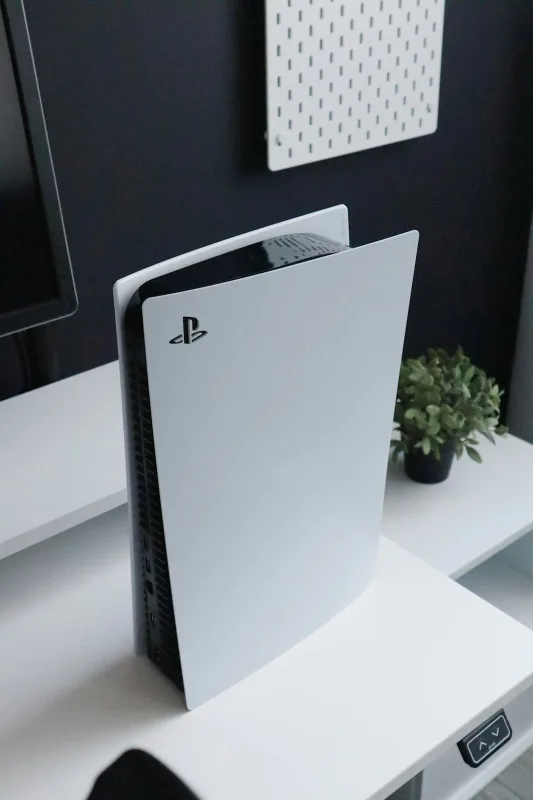
Start with the easy checks first
Before you start assuming the worst, do the boring stuff. Boring stuff fixes more consoles than people like to admit.
- Check the TV input. Make sure it is on the exact HDMI port the PS5 is plugged into.
- Power the PS5 off fully, not rest mode. Unplug it for 30 seconds.
- Try a different HDMI cable. Preferably one you know actually works.
- Try a different TV or monitor if you have one nearby.
- Inspect both ends of the cable for bent pins, cracked plastic, or loose fit.
If the picture comes back after swapping the cable, that is a lovely cheap win. If not, keep going. No need to play detective with a torch in your mouth just yet.
Also check whether the PS5 is making normal startup sounds. If the fan spins up and the console seems to boot, the problem may be limited to video output. If it is completely dead, that points elsewhere and the HDMI port is only one suspect in the line-up.
Try PS5 safe mode and reset the video output
If the console worked before on another screen, or the display issue started after a settings change, safe mode is worth a go. This is one of those features people ignore until the machine starts misbehaving, then suddenly it becomes the hero of the hour.
To get into safe mode:
- Turn the PS5 fully off.
- Press and hold the power button until you hear the second beep.
- Connect the controller with a USB cable.
- Choose the option to change video output or restart the console.
If you can get a picture in safe mode, the console may simply be set to an output mode the TV does not like. Resetting the resolution often fixes it. A lot of TVs are happy enough with this. A few behave like a manual written like a riddle.
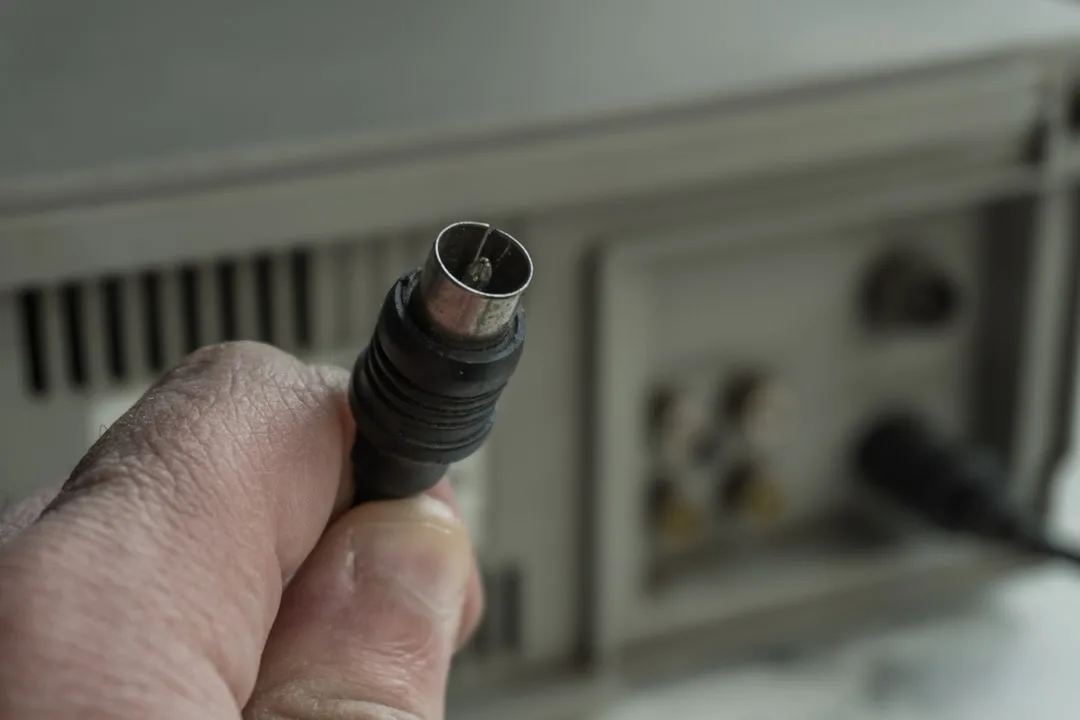
How to tell if the HDMI port is damaged
This is where things get more interesting. The PS5 HDMI port is a small socket that takes a fair bit of abuse over time, especially if the cable gets yanked, the console gets moved around, or somebody plugs it in at an angle because the unit is tucked into a cabinet with all the grace of a fridge in a phone box.
Signs the port itself may be the issue
Look closely at the socket with a torch. You may spot:
- ✓ Bent or missing pins inside the port.
- ✓ The connector feeling loose when the cable is inserted.
- ✓ Visible cracking around the HDMI socket.
- ✓ A picture that cuts in and out when the cable is nudged.
If the cable has to sit at a very specific angle to show a picture, that is usually bad news for the port. HDMI should not need to be held together with hope and positioning.
At Sheffield WebTech, we see this a lot on consoles that have been moved between rooms, taken to friends' houses, or simply knocked off a shelf once too often. South Yorkshire homes are full of entertainment units that look stable until the slightest tug reminds everyone they are not.
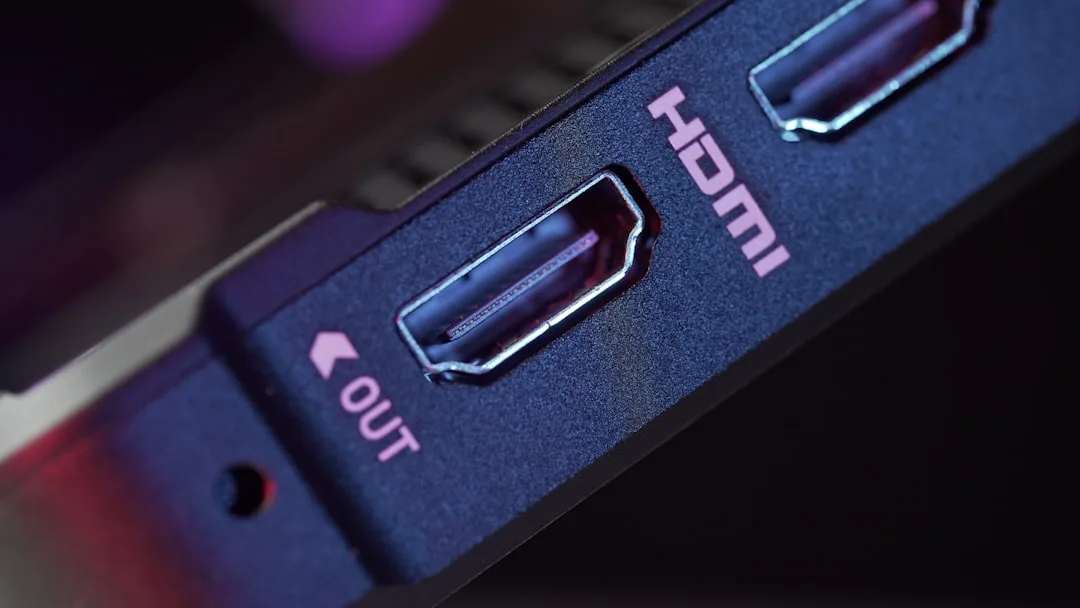
When it is not the port, but the board behind it
Sometimes the HDMI socket looks fine and the cable is fine, but the PS5 still refuses to output a picture. That can mean the port is damaged internally where the solder joints meet the board, or there is a fault deeper in the console's video circuitry.
Here is the bit people do not always want to hear: a new cable will not fix a broken HDMI encoder chip. Nor will tapping the console, which is a surprisingly popular strategy considering how badly it tends to age the machine. If the damage is on the board, the repair needs proper microscope work and soldering, not optimism.
Typical signs of a deeper fault:
- ✓ No picture on any TV or monitor.
- ✓ Safe mode does not display either.
- ✓ The HDMI port looks intact but still gives no signal.
- ✓ The console powers on normally but never outputs video.
That is the point where a repair shop can save you time. A competent console repair involves checking the port, testing the board, and deciding whether it is a socket replacement or a more involved component-level repair. No guesswork. No "it might be this, mate".
What not to do while troubleshooting
There are a few things that make the problem worse. People mean well. The console does not care.
- ✓ Do not force the HDMI plug into the port if it does not sit right.
- ✓ Do not keep wiggling a loose connector until the socket gives up completely.
- ✓ Do not use a bent or badly frayed cable because "it worked yesterday".
- ✓ Do not open the console unless you know exactly what you are doing.
If the PS5 is still under warranty, opening it up can make life harder. If it is out of warranty, you still want to avoid turning a small HDMI issue into a full board repair. That is how a modest fix becomes a very expensive story you tell with a sigh.
When to get professional help
If the cable, TV input, and safe mode checks do not solve it, the next step is a proper diagnostic. A console repair technician can test the HDMI port, inspect the solder joints, and check whether the video output chip has taken a hit.
That is usually the sensible route if:
- ✓ The port feels loose or visibly damaged.
- ✓ There is no signal on any display.
- ✓ The console has been dropped or the cable has been yanked hard.
- ✓ You have already tried known-good cables and TVs.
Sheffield WebTech handles PS5 HDMI faults alongside other console repairs, so if your machine is stuck on no signal and you are done arguing with the television, we can take a look. A proper repair is usually quicker than buying random cables and hoping one of them has a personality.
The short version: start with the simple checks, use safe mode if you can, and treat a loose or damaged HDMI socket as a real fault rather than a minor annoyance. The earlier you catch it, the better the odds of a straightforward fix.
Frequently Asked Questions
What does "No Signal" on my TV actually mean for a PS5?
It means your TV can't see a usable video signal coming from the PS5 over HDMI. The console can still be running normally in the background, sometimes with sound and controller pairing but no picture.
How do I fix a PS5 HDMI no signal by checking the basics?
Make sure your TV is on the exact HDMI input the PS5 is plugged into, then fully power the PS5 off (not rest mode) and unplug it for 30 seconds. Try a different HDMI cable and check both ends for loose fit, cracks, or bent bits.
Should I try a different HDMI cable or a different TV first?
Yes-swap the HDMI cable first if you can, ideally using one you know works. If that doesn't help, try the PS5 on another TV or monitor to see whether the issue is the display side or the console's output.
When should I use PS5 safe mode to reset the video output?
Use safe mode if the PS5 used to work on the same screen and the problem started after moving the console or changing settings. It's a good way to reset the video output when the console is booting but the TV still shows no picture.
Related services
Need help with a PS5 HDMI fault?
If your console is stuck on no signal, Sheffield WebTech can diagnose the problem and carry out the repair properly. No guesswork. No faffing with half-working cables.
Contact Sheffield WebTech
0 Comments
Leave a Comment