
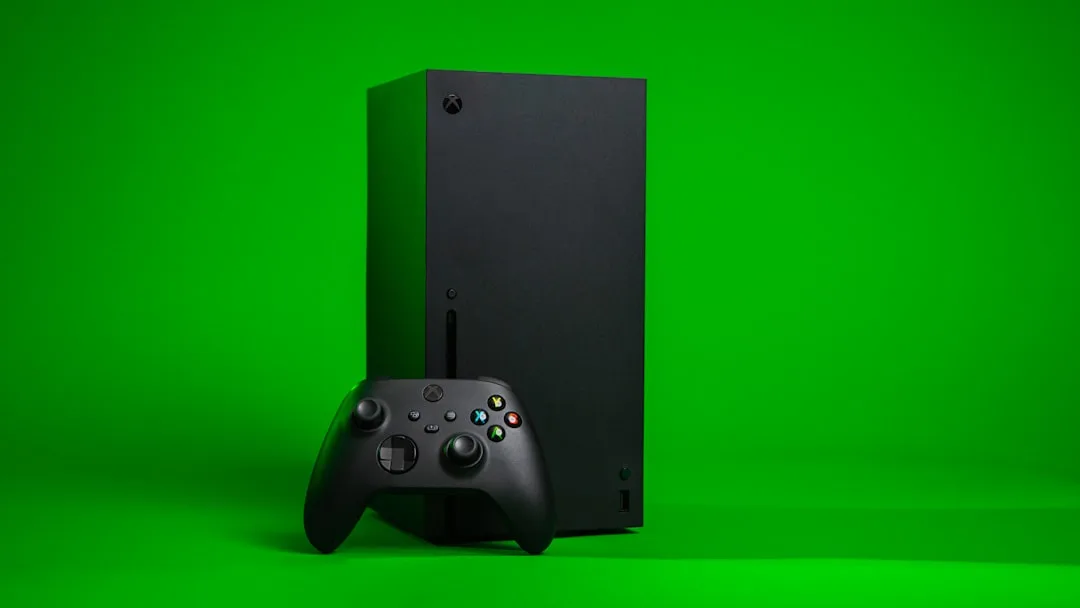
Xbox Series X No Signal - HDMI Troubleshooting Guide
You turn the Xbox on, the fan starts up, and the TV sits there acting like nothing has happened. Classic. The dreaded no signal message is one of those annoying problems that can be caused by something tiny, or by an HDMI port that has had a bit of a rough life.
The good news is that a lot of Xbox Series X display issues are simple enough to check at home before you panic. A loose cable, the wrong input, a dodgy TV port, or a failed HDMI connection can all give the same result. If you are in Sheffield or anywhere in South Yorkshire, this guide should help you narrow it down without guesswork.
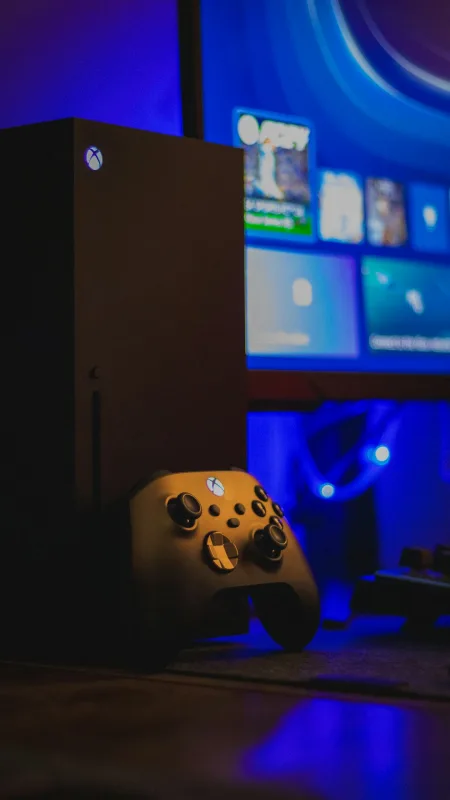
First, check the obvious stuff
Start with the boring bits. Honestly, that is where half the faults live.
- ✓ Make sure the TV is on the correct HDMI input. It sounds daft, but it happens all the time.
- ✓ Reseat both ends of the HDMI cable. Push it in properly, not just a polite half-in.
- ✓ Try a different HDMI cable if you have one. Cables fail more often than people expect.
- ✓ Test another HDMI port on the TV. Some ports get worn or just stop behaving.
- ✓ Check whether the Xbox is actually powering on fully, not stuck in a weird sleep state.
If the console works on another TV, the issue is probably with the original screen or its settings. If it still shows no signal everywhere, then the Xbox itself is the likely culprit.
Try a power reset
Sometimes the Xbox gets itself in a muddle. A proper power cycle can clear temporary display problems and is worth doing before you assume the HDMI port is dead.
- ✓ Turn the Xbox off completely.
- ✓ Unplug the power cable from the console and the wall socket.
- ✓ Leave it unplugged for at least 30 seconds.
- ✓ Plug it back in and try again.
If you get a picture after that, great. It was just being awkward. If not, move on to the next checks.
Check for HDMI port damage
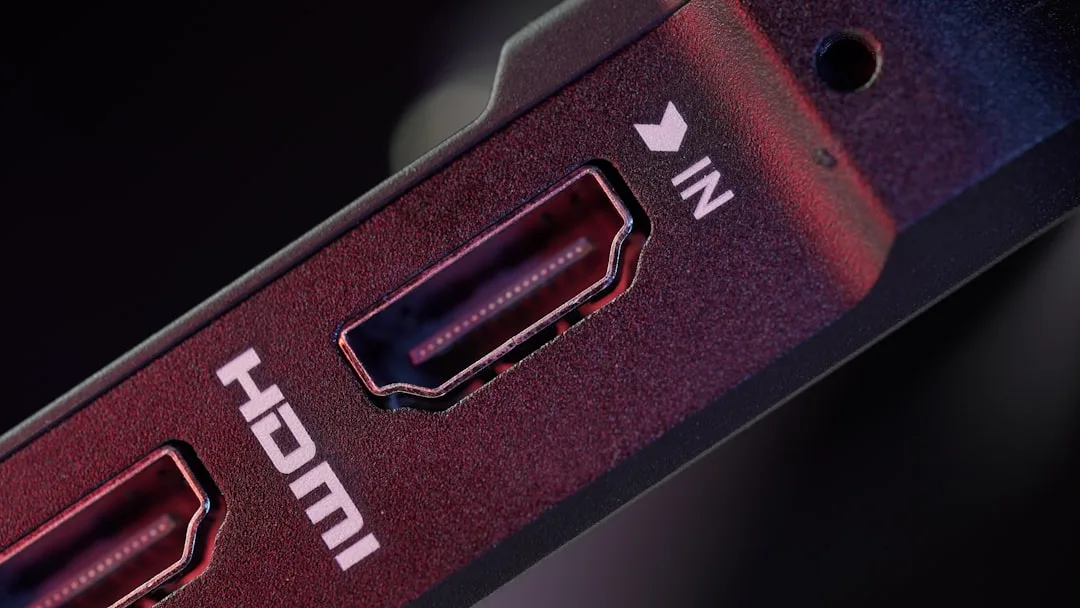
This is the big one. On the Xbox Series X, the HDMI port can be damaged by bent plugs, side pressure, or just repeated use. If the cable feels loose, sits at a strange angle, or only works when held in place, that is a red flag.
Look inside the port with a torch if you can. You are checking for bent pins, debris, or obvious physical damage. Do not go poking about with metal tools unless you fancy making the problem worse. Which, to be fair, is a surprisingly common hobby.
If the console has had a knock recently, the HDMI port may have lifted from the board or cracked internally. In that case, it is not a settings issue. It needs proper repair, which is where a service like Xbox Series X repair becomes the sensible option.
Test the TV and display settings
If the Xbox was previously used on a 4K TV and now it is connected to a different screen, the display settings can sometimes cause trouble. The console may be outputting a resolution or refresh rate the TV does not like.
- ✓ Try a different TV or monitor if possible.
- ✓ If the console has sound but no picture, the display settings may be the issue.
- ✓ If you recently changed settings before the problem started, that is a clue.
For general console faults, not just display problems, our console repair page covers the sort of issues that often crop up after a console has been dropped, overheated, or just generally mistreated by life.
When it is likely a hardware fault
If you have tried different cables, different TVs, a power reset, and the HDMI port still gives nothing, the fault is probably inside the console. Common hardware issues include a damaged HDMI port, failed retimer chip, or board-level damage around the output circuit.
This is the point where home troubleshooting stops being helpful and starts being a bit optimistic. If the port is loose or the image cuts in and out when the cable moves, it is usually a repair job rather than a settings fix. For people comparing symptoms across different machines, it can help to look at similar faults on a PS5 repair page too, since the general HDMI failure signs are often very similar.
A quick tip before booking a repair
💡 Tip - if the Xbox shows a picture for a second and then loses signal again, note exactly when it happens. That detail helps a repair technician work out whether the fault is the HDMI port, the cable, or a deeper board issue.
If you are also dealing with other kit at home, such as a noisy tower or a sluggish machine, it may be worth checking desktop PC repair options too. The same kind of practical fault-finding applies, just with more fans and more dust than anyone wants to admit.

When to get professional help
If the HDMI port is damaged, loose, or completely dead, a proper repair is the safest route. Trying to force the cable in or wiggle it until the picture returns usually makes the damage worse. Not ideal.
Sheffield WebTech helps with tech repairs across Sheffield and South Yorkshire, including console faults, website design, SEO, web development, and custom PC builds. But for this kind of issue, the main thing is getting the Xbox checked before the port or board damage spreads.
If your console is showing no signal after all the basic checks, it is time to stop guessing and get it looked at properly.
Final takeaway
An Xbox Series X no signal fault is often caused by something simple, but if the HDMI port is damaged, it will not fix itself by being stared at aggressively. Try the basic checks first, then move to a proper repair if the problem stays put.
Need help with an Xbox display fault?
If your Xbox Series X still has no signal after the usual HDMI checks, get in touch and we will take a proper look.
Contact Sheffield WebTech
0 Comments
Leave a Comment